


Page History
...
Call the macro menu by clicking the buttonthe
 button.
Select the necessary macro in the list.
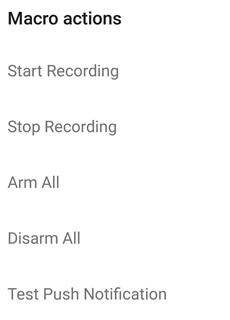
The message about successful macro running is displayed on top.
displayed from below.

| Info | ||
|---|---|---|
| ||
Macros can be executed only when there is connection to Intellect Server. |
Moreover, the macro can be executed on the mapIn addition, if a macro has been added to a video, quickly tap the relevant icon to run it (see Adding macros to video).
Overview
Content Tools