


Page History
The following maps are available in the Android Mobile Client:
- Intellect maps.
- Google and OpenStreetMap geomaps
Maps can be viewed only when the client is connected to an Intellect server.
To view the map, call the main menu by clicking the  button and select the Map item.
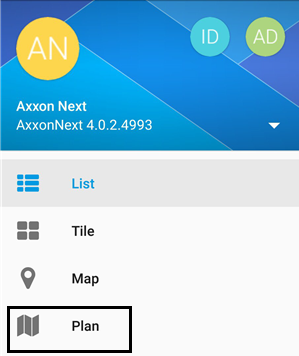

To switch the maps, click the  button and select the required one.

If there are several layers on the map, then they are listed by right-left scrolling.
Icons for the following devices can be displayed on the map in the mobile Client: cameras, sensors, and relays. In addition, icons for macros can be displayed. Icons indicate the current status of devices and allow controlling them.
...
- .
Overview
Content Tools