


Page History
To view the list of system events click the  icon in Events in the app menu.
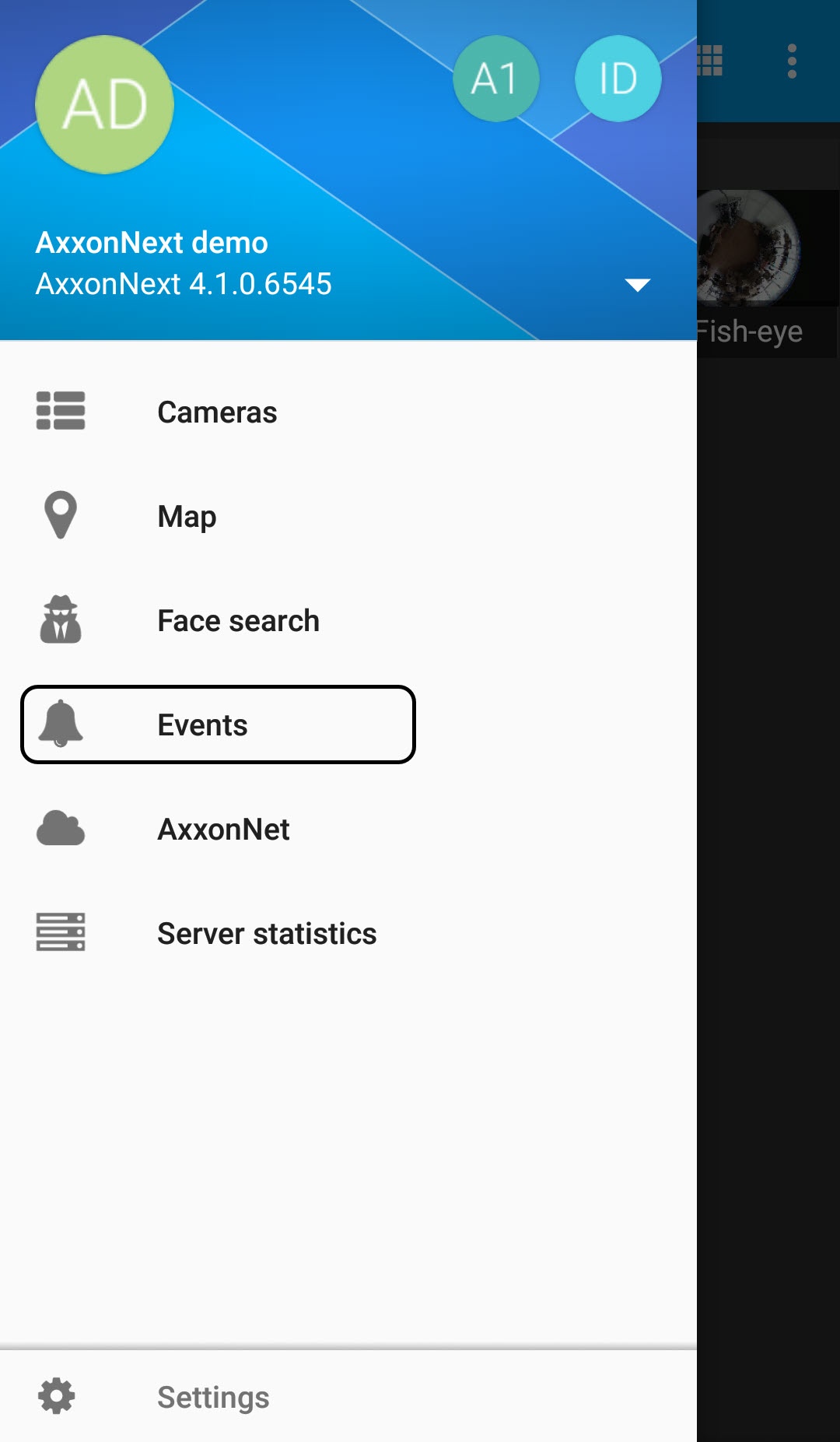
The list of events is displayed. By default, the latest events are displayed on top.

| Info | ||
|---|---|---|
| ||
The On the Intellect Server, for the face recognition event, the full name of a the corresponding person will be is displayed in . For the event while face recognition on the Server of the Intellect software package, the recognized license plate – while license plate recognitionlicense plate recognition event, the recognized LP number is displayed. |
To disable autoupdate of the events list of events auto update, click the  button. To enable autoupdate of the list of events click the events list auto update, click the
  button.
| Info | ||
|---|---|---|
| ||
The autoupdate auto update interval is set in the Configuring the events receiving in Android Mobile Client section. |
To get back to the app menu, click the  button.