


Page History
To view the list of system events click Events in the app menu.
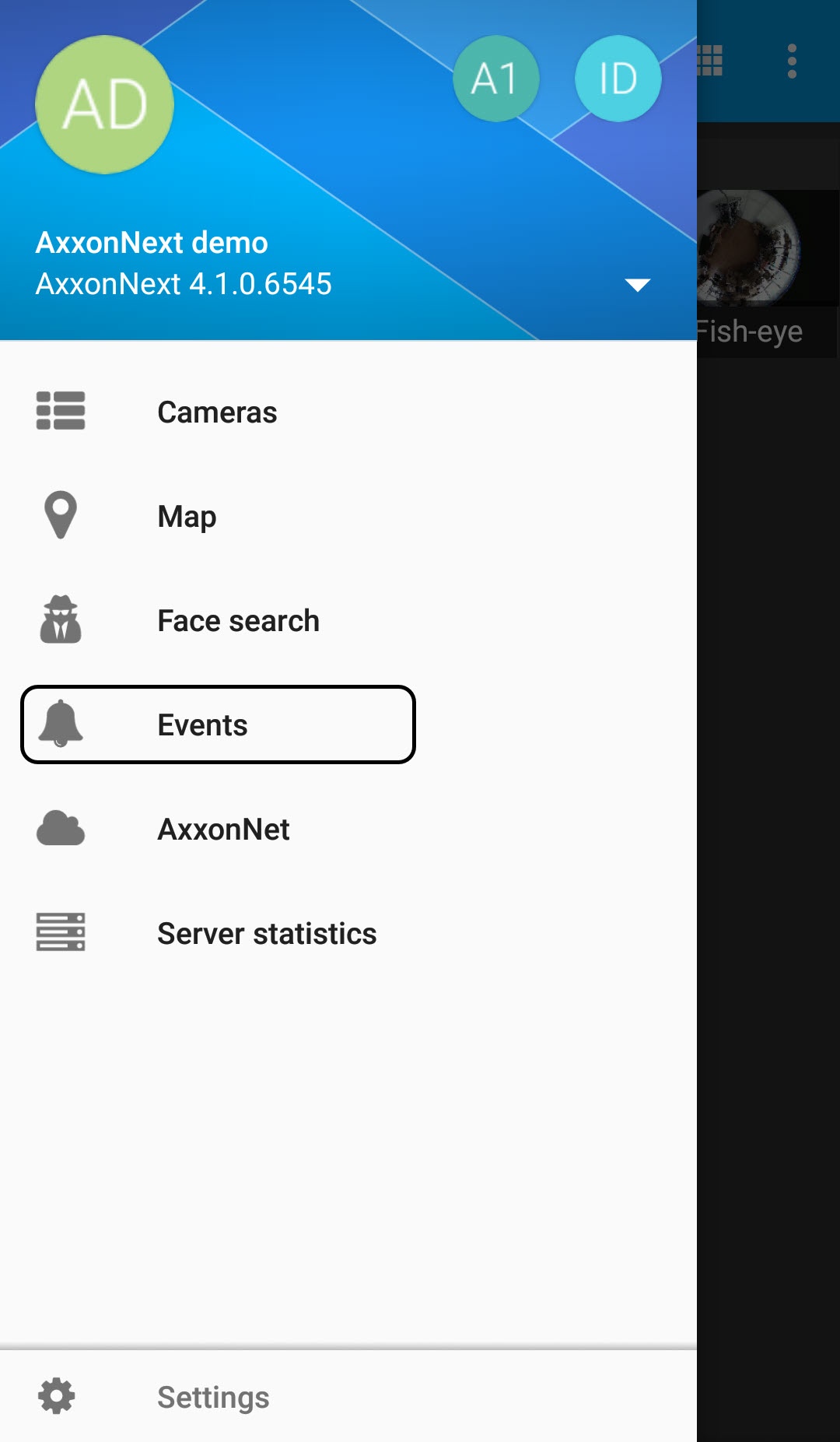
The list of events is displayed. By default, the latest events are displayed on top.

| Info | ||
|---|---|---|
| ||
On the Intellect Server, for the face recognition event, the full name of the corresponding person is displayed. For the license plate recognition event, the recognized LP number is displayed. |
To disable the events list auto update, click the  button. To enable the events list auto update, click the
  button.
| Info | ||
|---|---|---|
| ||
The auto update interval is set in the Configuring the events receiving in Android Mobile Client section. |
To get back to the app menu, click the  button.
Overview
Content Tools