


Page History
...
- In the Intellect messages field (1), the number of messages sent and received between the app and the Intellect Server is displayed.
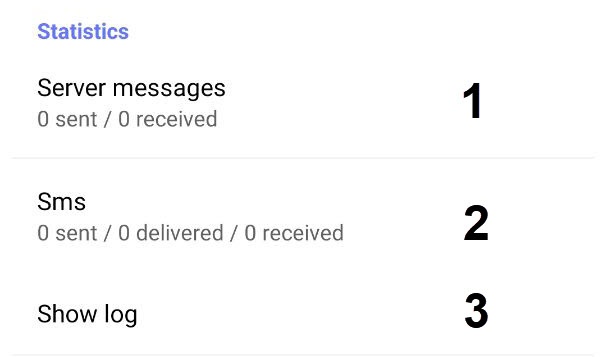
- In the SMS field (2), the number of SMS messages sent, delivered and received from the specified number to the Intellect is displayed.
- Click the Show Log button (3) to open the Log tab, where all application events are displayed.

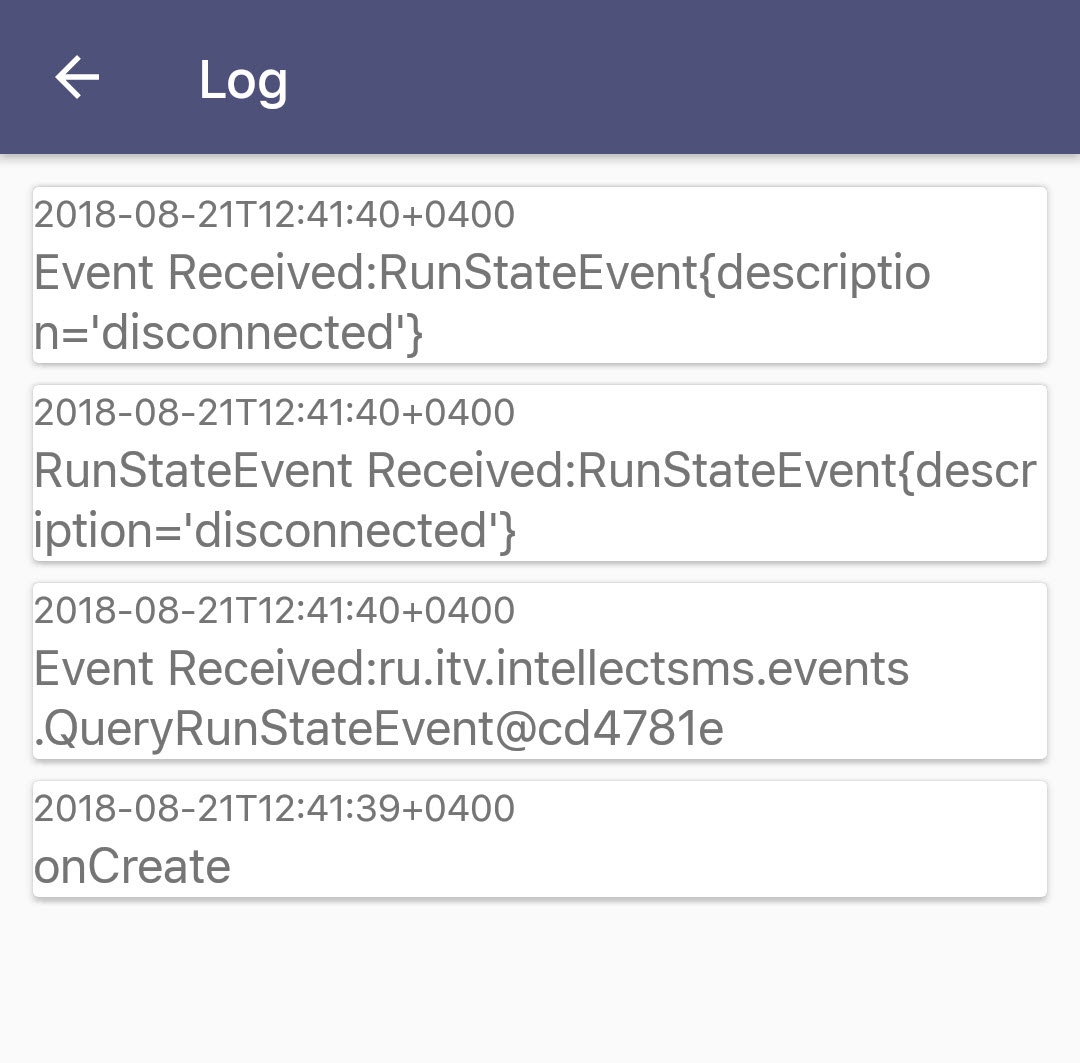
To go back to the menu, click the button.
Overview
Content Tools