Unable to render embedded object: File (books.jpg) not found.
Go to documentation repository

Page History
The POS Intellect software is installed as a part of the Intellect software. Information about compatibility of the Intellect software versions and POS Intellect is presented in the General information about product releases and versions compatibility section.
...
| Note | ||
|---|---|---|
| ||
The POS Intellect software should be installed installed on both Server/RAW (Remote Administrator Workplace) and RMW (Remote Monitoring Workplace). For details, see Intellect. Administrator's Guide |
. |
To install POS-Intellect, do the following:
- Launch the POS-Intellect installation program. Insert the POS-Intellect installation CD into the CD/DVD drive and run the Setup.exe file.
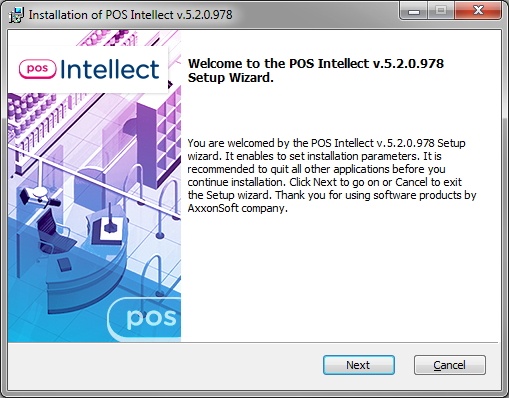
- The dialog box of the POS-Intellect installation welcome window appears. Click Next after the examination.
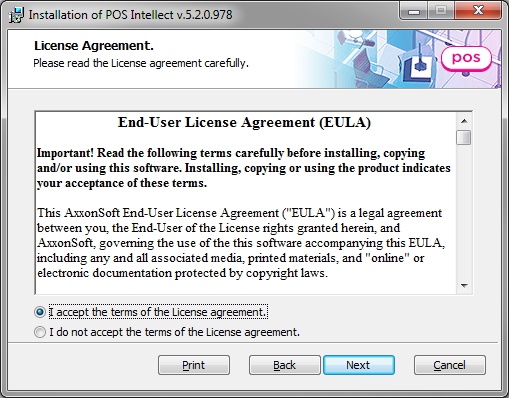
- Read the license agreement. Set the switch into I accept the terms of the License agreement position and click Next (these actions mean that you accept the given license agreement).
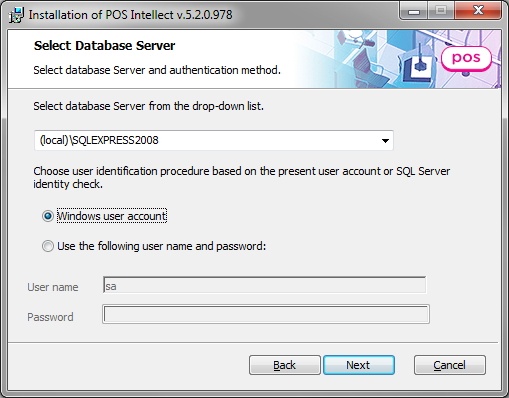
- Select the database server for POS Intellect operating and the method of authentication, then click Next.
- Click Install to start the installation process.

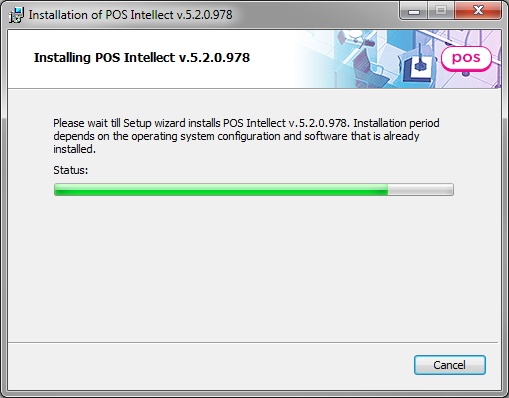
- Wait until the installation is completed, then click Finish

...
Overview
Content Tools