
Go to documentation repository
...
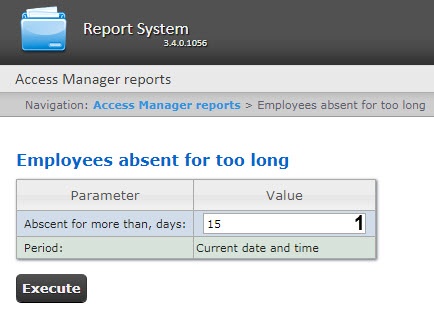

The report fields are described in the table.
| Field name | Description |
|---|---|
| Personnel number | Employee number |
| Full Name | Full name of the selected employee |
| Card | Number of the employee card |
| Last coming | Date of the employee last pass through the passage point |
| Last device | Identifier of the passage point that registered the last employee pass |

