
Go to documentation repository


Page History
...
- Go to the settings panel of the STX-1000 object, which is created on the basis of the Controller group object.
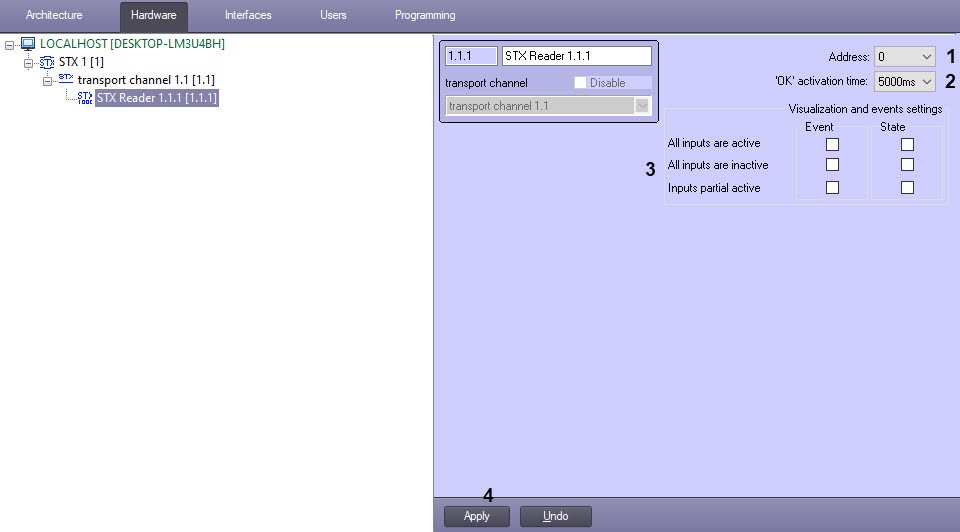
- In the Address field (1), enter the physical address of the controller.
- In the Ping (sec) field (2), enter the time period of checking the controller communication status in seconds.
- In the Polling rate (sec) field (3), enter the time period of requesting the events from controller in seconds.
- By default, the state of each input is defined as Disabled, and when the sensor is triggered, the input becomes Enabled. If it is necessary for the state of each input to be defined as Enabled by default, and when the sensor is triggered, the input becomes Disabled, then set the Invert input processing logic checkbox (4) (see also Managing the STX-1000 controller).
- Click the Apply button (5).
...
Overview
Content Tools