


Page History
...
- After you launch the app, click the
 button.
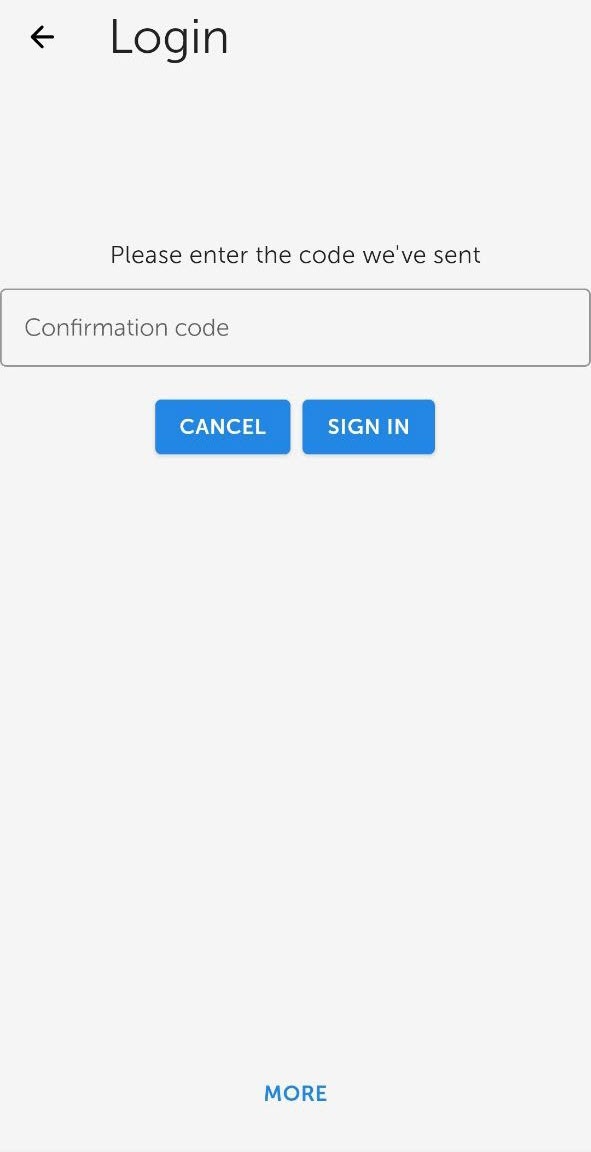
Enter the e-mail (1) and password (2) to connect to AxxonNet.

Info title Note Signing in to AxxonNet is also possible via Google , VKontakte, Facebook.To sign in to AxxonNet via VKontakte, it is necessary to login to the AxxonNet cloud service via VKontakte at least once, otherwise the error will appearand Facebook.
Click SIGN IN. If the connection is successful, a window with the AxxonNet email address will open.
Info title Note - To exit AxxonNet, click
- LOGOUT (
- 1).
- To go to the
- AxxonNet cloud service website, click the https://axxonnet.com link (
- 2).
If the Axxon domain is not connected to AxxonNet (see Connecting Axxon Domain to AxxonNet), the token necessary for connecting can be displayed by clicking the Connect button (1 CONNECT DOMAIN button (4). To share the token, click the Share button SHARE button (41).
Info title Note To close the window, click OK (
52).
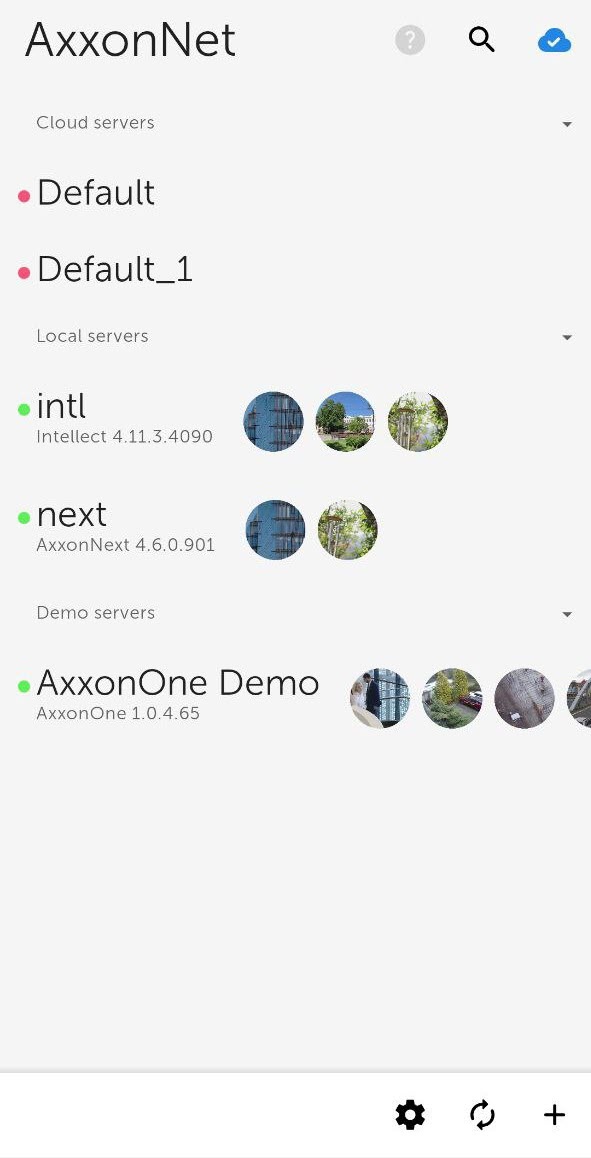
As a result, after successful authorization, the Axxon domains connected to AxxonNet will be displayed in the Cloud servers group (see Servers list screen in AxxonNet client on Android OS).