


Page History
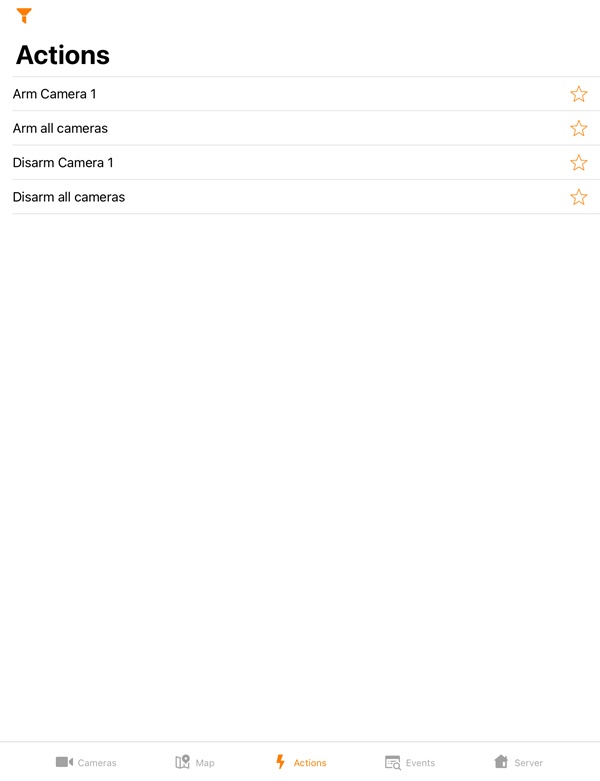
To run a macro, go to the Actions tab and select the required action.
| Info | ||
|---|---|---|
| ||
The list of available macros depends on the Server macros to which the mobile client is connected (for Intellect see Creating and configuring Macro events, for AxxonNext see Configuring Macros). |
To open the macros filter, click the  button in the upper left corner and select the filter:
- All - display all the available macros.
- User defined - display only custom macros.

Overview
Content Tools