
Go to documentation repository


Page History
...
- Go to Manage Layouts mode (see Creating and deleting layouts).
- Go to the desired layout.
- Click
 and
and  and select Use by Default (1).
Now, the current layout is assigned as default.
...
To make the system operate without a default layout, click and and select Do not use by default (2).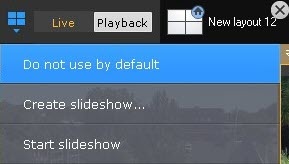
Overview
Content Tools