
Go to documentation repository


Page History
...
| Note | ||
|---|---|---|
| ||
Autozoom is available if:
|
...
| Info | ||
|---|---|---|
| ||
Autozoom resizing takes into account objects from all tracking sources that are activated for a particular video camera. |
To disable autozoom, select the corresponding command in the viewing tile context menu.
To enable autozoom for all cameras in a layout, select Enable autozoom for all.
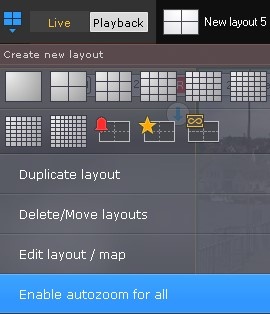
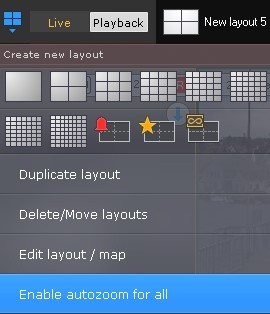
To disable autozoom for all cameras in a layout, select Disable autozoom for all.
...
Overview
Content Tools