
Go to documentation repository


Page History
...
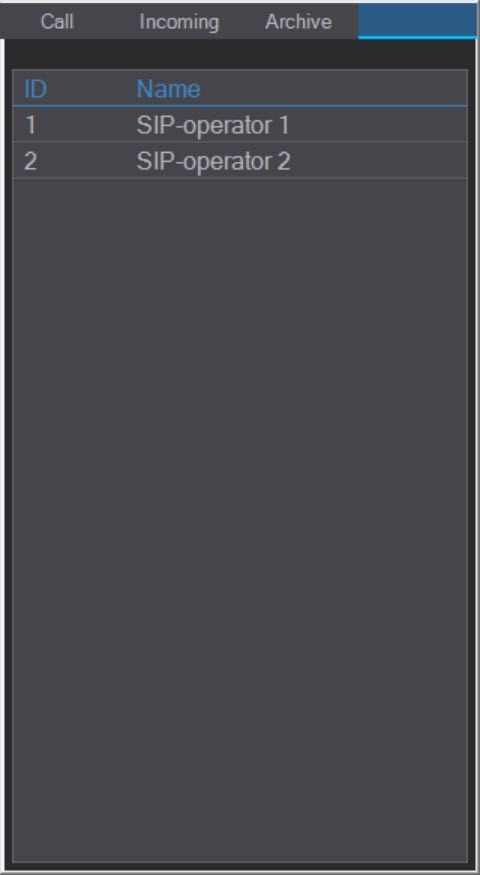
If a SIP-operator is already authorized in any SIP-panel, then this operator will be highlighted in red in other SIP-panels. You cannot log in under an already authorized SIP-operator.
After rebooting the Server/Remote Client, the previously authorized SIP-operator will be logged in automatically. If you log off the current user in Intellect Axxon PSIM and log in again as the same user, you will need to be authorized again.
| Info | ||
|---|---|---|
| ||
The authorization window may open also in the following cases:
|
...
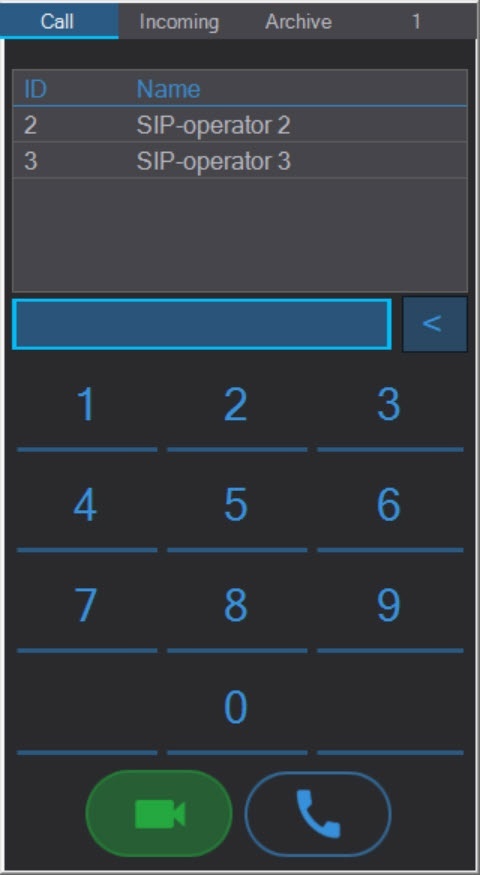
The interface of the Call tab of the SIP Panel is shown in the figure:
The top of the Call tab displays the subscriber numbers from the address books added to the current SIP-operator during the SIP-terminal configuration stage. If the same subscriber number is added to several address books, then only one will be displayed on the SIP-panel.
...
The interface of the Archive tab of the SIP Panel is shown in the figure:

To ensure the correct playback of archived calls, it is necessary to configure the audio and video archiving (see Configuring video archiving and Configuring audio signals recording).
...
| Column | Description |
|---|---|
| Type | Call type: incoming |
| Subscriber | The subscriber number |
| Name | The subscriber name |
| Date and time | The call start and end time. Note. The group calls are shown as several calls to different numbers at the same time (see Configuring numbers of SIP-terminal for details on group calls configuration). |
| Duration | The call duration |


...
Controls for playing archived calls are under the table:
 Update the call list
 Play the selected call
 Pause the playback
 Stop the playback
 Slider to display the playback and rewind process
...
Overview
Content Tools