
Go to documentation repository


Page History
...
- In the context menu of the Computer object select Create object => RTSP Server.
- Specify the name and ID of the object in the opened panel.
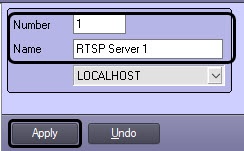
- Click the Apply button to create the object.
...
- Go to the settings panel of the RTSP-Server object.
- Set the value of one or more reference parameters Added, Gate, Port, Backup Archive for one of the Camera objects.
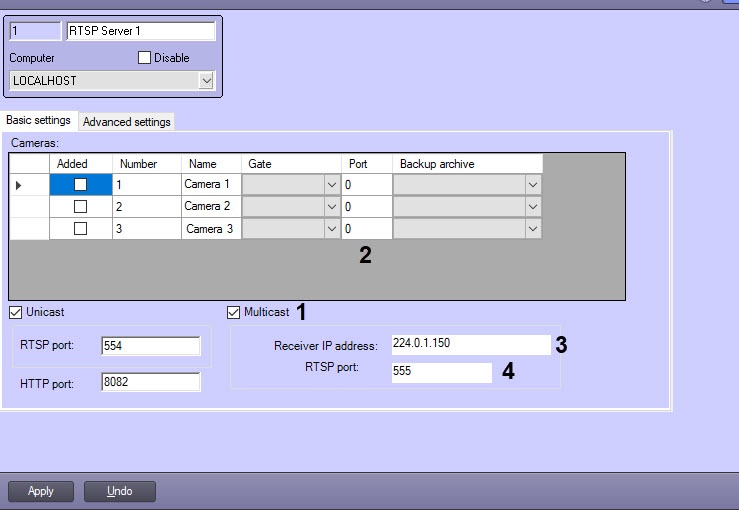
- While holding down the Ctrl key, select the (full) rows in the table, which should have the same values in the corresponding columns.
- Right-click in the reference cell.
- In the opened function menu, select Set for selected rows: "Value". As a result, the corresponding column in all selected rows are filled the value equal to the reference parameter.
- Repeat steps 4-5 for all parameters that need to be applied to the selected lines.
...
Overview
Content Tools