
Go to documentation repository


Page History
...
- Open the folder containing the unpacked installation kit.

Run setup.exe file, designed for running the Axxon PSIM software install program.
As a result the Select Action dialog box is displayed.Info title Note. The following files may be run for repairing the Axxon PSIM software instead of Setup.exe: - Product.msi – to repair the Axxon PSIM™;
- Redist.exe – to install additional components.

- To select Axxon PSIM™ software components repair mode, select Repair installation type and click Next.
The Repairing Axxon PSIM dialog box is displayed.
The Software Installation dialog box is displayed.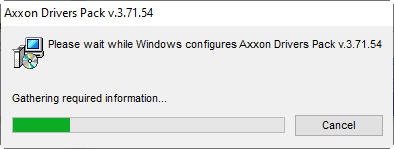
- To continue Axxon PSIM™ software installation, click Continue Anyway.
As soon as all files are copied, the Repair Complete dialog box is displayed.
- Click the Finish button.
Axxon PSIM TM software is now repaired.
Overview
Content Tools