
Go to documentation repository


Page History
...
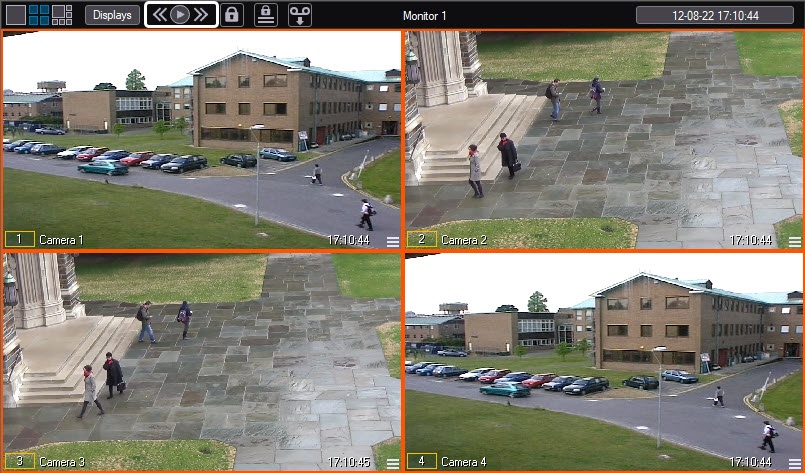
The first two buttons are used for paging one screen forward/backward. The  button is used to automatically switch on and off the slide show with a pre-defined time value.
When the automatic scrolling mode is enabled, the appearance of the button changes to 
 .
.
When the automatic scrolling is enabled, the button for opening the camera menu and the button for opening the archive with the left mouse button become inactive. In this case, the button for opening the archive with the right mouse button can be used.
...
Overview
Content Tools