
Go to documentation repository


Page History
...
The following figure shows an interface of the video surveillance monitor for web browser.
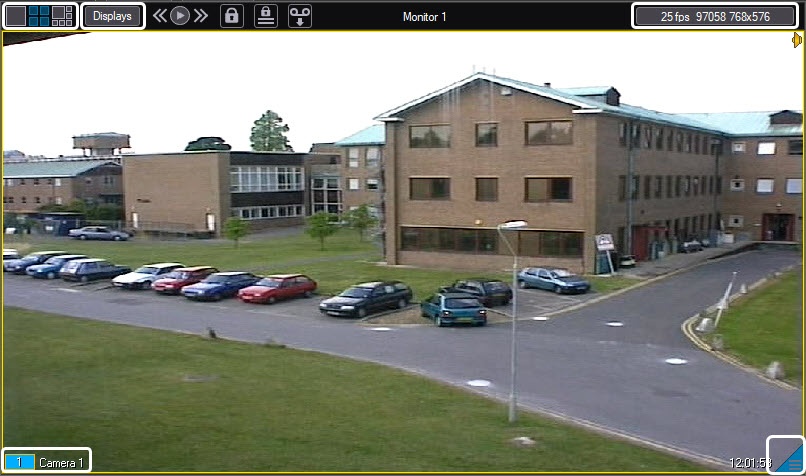
The video surveillance monitor for the web server window consists of the field for viewing tiles and the tool panel with:
 buttons
  buttons as to alter the number of viewing tiles on the monitor;
 button is to select the camera;
 and
and 
 buttons are to enter the archive viewing mode;
 field
field  field displaying current time/date.
Every viewing tile has the  feature
  feature menu that is used to select a camera and to access some camera options. To call the feature menu, left-click on the camera number in the viewing tile.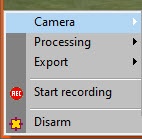
The colour of the video surveillance window border and camera name text indicates the camera status.
...
Overview
Content Tools