
Go to documentation repository


Page History
...
To launch the repair mode, you need to restart Axxon PSIM installation without deleting the previous version. To restore Axxon PSIM correctly, make sure that the distribution package is located in the same path as it was during installation or that the operating system is configured to save the *.msi files in the cache.
...
- Open the folder containing the unpacked distribution package.

Run the Setup.exe executable file used for running Axxon PSIM installation program.
As a result, the Select Action dialog box is displayed.Info title Note The following files may be run for repairing Axxon PSIM instead of Setup.exe: - Product.msi – to repair Axxon PSIM;
- Redist.exe – to install additional components.

- To select Axxon PSIM components repair mode, select Repair installation type and click Next.
The Repairing Axxon PSIM dialog box is displayed. The Software Installation dialog box is displayed.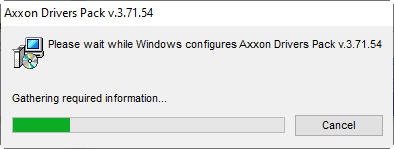
- To continue Axxon PSIM installation, click Continue Anyway.
As soon as all files are copied, the Repair Complete dialog box is displayed.
- Click the Finish button.
...
Overview
Content Tools