
Go to documentation repository


Page History
The Surveillance window can be in two states – activated or deactivated. The activated Surveillance window is a window that is in focus at the moment. Other windows are considered deactivated. You can move the focus by clicking on other Surveillance windows.
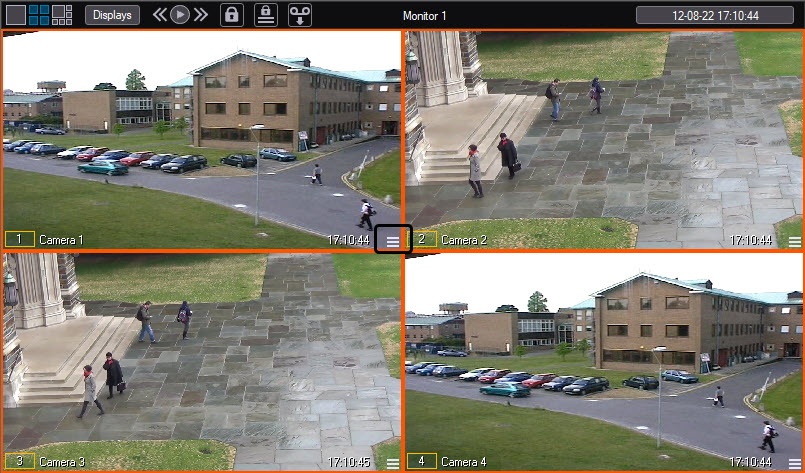
The distinctive feature of the active Surveillance window is a button (in the right bottom corner) to access the archive recordings. The archive stores the recordings from the camera of this Surveillance window.Another distinctive feature of the active Surveillance window isthe light blue background of the Surveillance window number.
| Info | ||
|---|---|---|
| ||
If there are too many Surveillance windows, the button to access the archive recordings may not be displayed. |
...
Overview
Content Tools