
Go to documentation repository


Page History
...
Procedure of changing the Intellect language is presented in the Intellect Software System's interface language section section.
To change the ACFA Intellect language, do the following:
- Download the Language Pack for ACFA Module v.5.4 from the AxxonSoft web-site. The language pack contains localization files for the ACFA Intellect integration modules.
- Extract files from the language pack. The Language folder contains subfolders corresponding to existed languages.
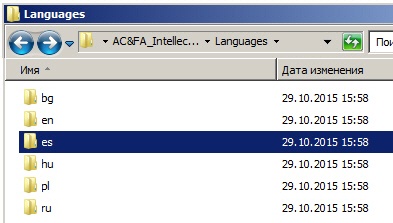
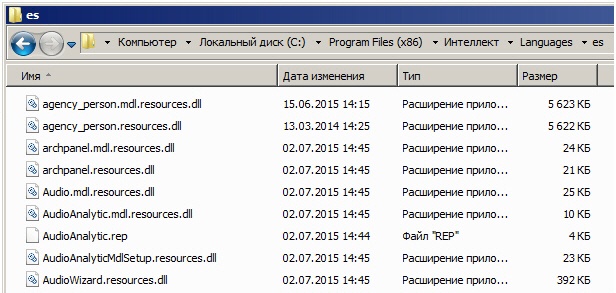
- From the folder corresponding to the required language copy localization files for all integration modules to the <Intellect installation directory>\Languages\<folder of corresponding language>.
- Update the database structure using the idb.exe utility (see the Interface elements of the idb.exe window section section).
Change of the ACFA Intellect localization language is completed.
...
The Intellect and ACFA Intellect software packages were installed in english. Using the language pack from the AxxonSoft web-site language of the Intellect software package was changed into spanish (see the the Intellect Software System's interface language section section). To change the ACFA Intellect localization language into spanish, copy localization files from the AC&FA_Intellect.v.5.4_lang\Languages\es folder to the <Intellect installation directory>\Languages\es and update the database structure.
Overview
Content Tools