
Go to documentation repository


Page History
...
If no Group by value is selected and if the Simple view option is disabled, then the bottom of the Current events tab displays the cells, each of which corresponds to one event. The number of horizontal cells is determined by the Operator protocol window width. The information on the event and the frames from the camera linked to the object from which the event is received are displayed in the cell (see Connection of objects with cameras in Administrator's Guide). The name of the corresponding camera is displayed on the frame. If there are several cameras linked to the object, you can use the
 buttons to browse the screenshots.
Info title Note There is no need to configure connection between the embedded detection tool and camera in order to show the frame by events from embedded camera detection tools.

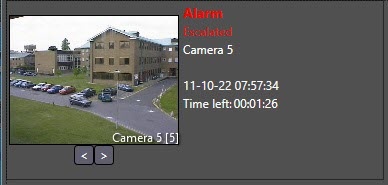
The cell contains the following information:- System name of the event;
- Object registered the event;
- Name of the Region object corresponding to the area where the event is registered;
- Date and time of event registration;
- Time left before the Non-processed event type is assigned to the event;
Information about event escalation or optional parameters.
Info title Note The list of optional parameters is set when configuring the Operator protocol object (see Administrator's Guide).
- If no Group by value is selected and if the Simple view option is enabled, then the bottom of the Current events tab displays a simplified list of events without the frames from the camera:
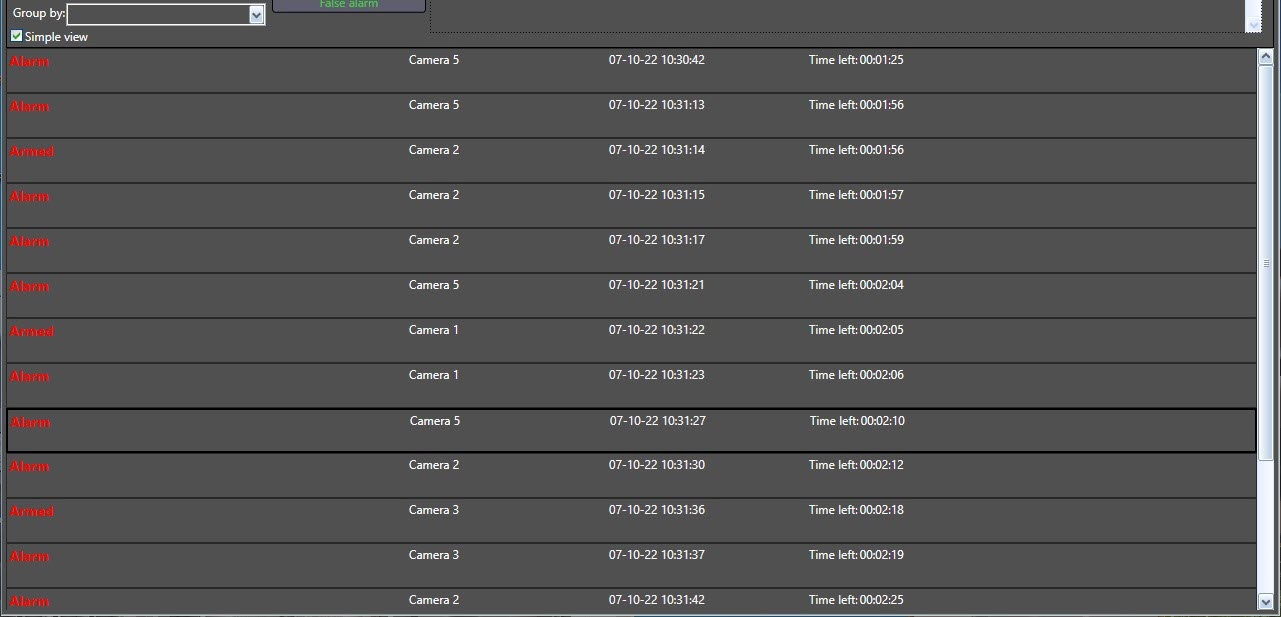
Each line corresponds to one event and contains the following information:- System name of the event;
- Object registered the event;
- Date and time of event registration.
- If any Group by value is selected, then the bottom of the Current events tab displays a list of groupings by the selected parameter. The list line contains the number of events in the grouping and the name of the parameter by which the events are grouped.

To view all events from the group, click on the button. To hide the grouped events, click the
  button: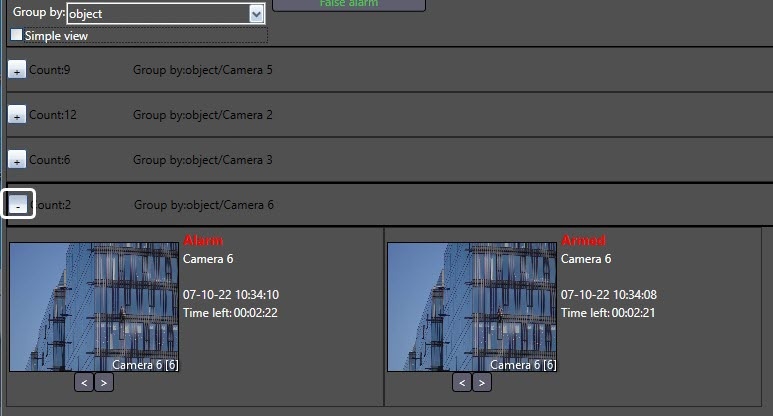
The content of the expanded group depends on whether the Simple view checkbox is set or not. If it is disabled, the events will be displayed as cells. If the Simple view checkbox is set, then a simplified list will be displayed.
...
Overview
Content Tools