
Go to documentation repository


Page History
To initiate recording by acoustic start, the microphone should be armed. To arm a microphone, select it in the microphone list and click  click
click  .
.
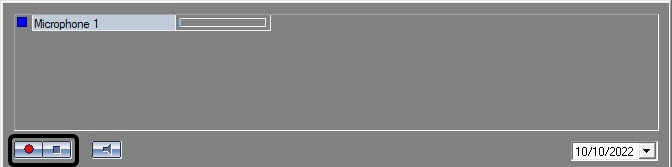
If the sound level when arming a microphone is lower that the threshold acoustic start level, the microphone indicator becomes yellow.
...
To disarm the microphone and stop recording, press the 
 button.
| Info | ||
|---|---|---|
| ||
The |


...
Overview
Content Tools