
Go to documentation repository


Page History
...
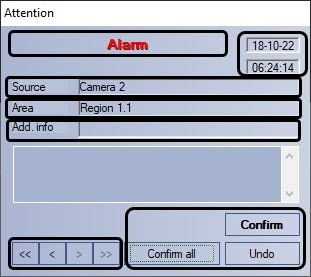
Figure shows the alarm notification window interface.
| Info | ||
|---|---|---|
| ||
The alarm notification window is not displayed by default – only if the system had registered an alarm or system event is it displayed over all other windows of the program user interface. If an alarm event occurs, the notification window appears on the screen, even if no other UI elements are visible at that time. |
Elements of an alarm event window interface are described below.
 Event
Event  Event name
 Date
Date  Date and time of event registration.
 Event
Event  Event source object.
 Virtual
  Virtual area (section) of event source location.
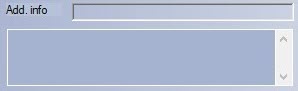 Additional
 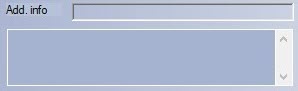 Additional information on event.
 Control
 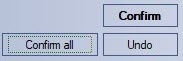 Control elements block for event processing
 Control
  Control elements block for event navigation
...
Overview
Content Tools