
Go to documentation repository


Page History
To select, create, delete, rename, sort and search layouts, the following settings group is used:
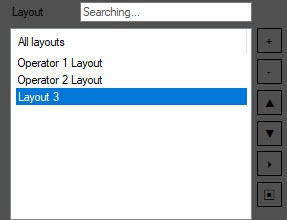
To search for the required layout, start typing the layout name in the Layout field. The found items will be highlighted in gray.

To select a layout to be displayed on the layout creation panel, left-click its name in the list.
To create a layout, click the the  button button. The layout will be added to the list with the default name ("Layout <number>"). To rename the layout, select it in the list, then left-click its name and enter a new name.
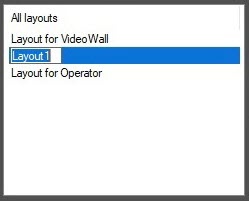
To delete a layout, select it and click the the  button. Several layours layouts can be selected with Ctrl key pressed on the keyboard.
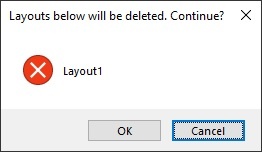
The confirmation dialog box with the list of layouts to be deleted opens on clicking the button. Click OK to delete the layouts of Cancel to abort the operation.

To move the layout up or down in the list, use the and  buttons the and
  buttons respectively.
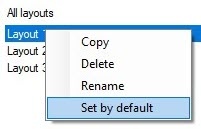
A layout can also be deleted or renamed using the corresponding commands in the menu opened by right click on the layout name:
Overview
Content Tools