
Go to documentation repository


Page History
...
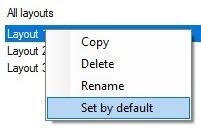
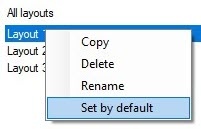
To select the default layout, right-click the desired layout in the list and select Set by default in the opened functional menu.
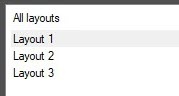
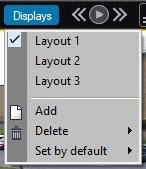
The default layout is highlighted in the lists in the Display Manager and in the Video Surveillance Monitor in bold:

Overview
Content Tools