
Go to documentation repository


Page History
...
| Note | ||
|---|---|---|
| ||
A blank filter (i.e. filter with blank columns) is to be created in order to display all events for all objects in the system in the Event viewer. All events are also displayed in the Event viewer when there is no filter at all. See Configuring event filters for displaying in the Event viewer. |
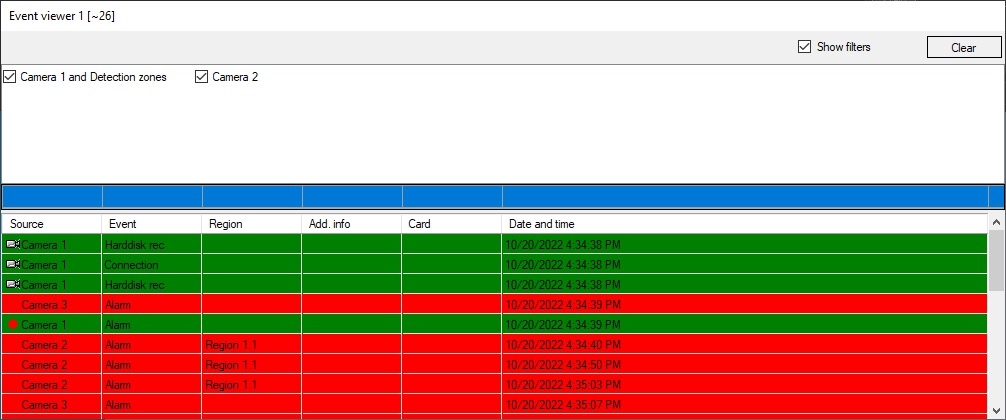
The filters
...
To show the actual location of the source object of the event, use Show on map function in the source object menu. As soon as this function is on, the map depicting the location of the given source object is displayed (see the Working with the map section). The corresponding object is highlighted with green dots and marked with concentric black-and-white circles.
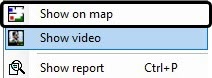
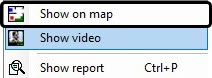
To play the video sequence of the event from the event source camera, use the Show video function in the source object menu.

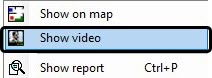
The camera window pops up in the archive playback mode.
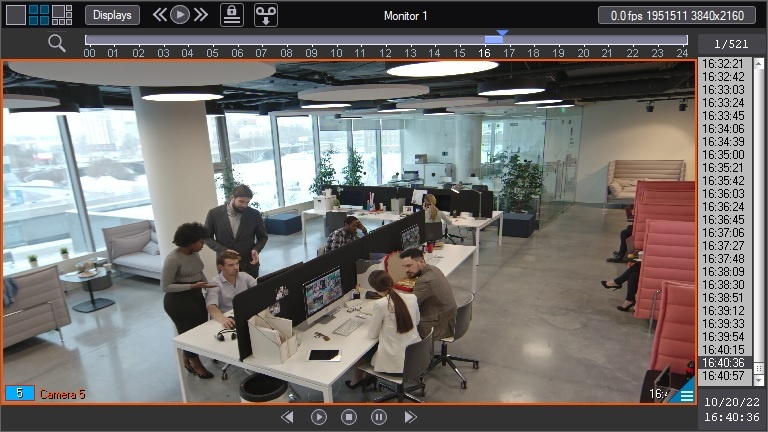
The current playback position will be set to the position corresponding to the video recording start time.
| Info | ||
|---|---|---|
| ||
If the detection of abandoned objects is configured (see the Configuring smart video detection tools), abandoned objects are framed in the video when the playing back the video.
|
Overview
Content Tools