
Go to documentation repository


Page History
...
| Section | ||||||||||||||||||||||||
|---|---|---|---|---|---|---|---|---|---|---|---|---|---|---|---|---|---|---|---|---|---|---|---|---|
|
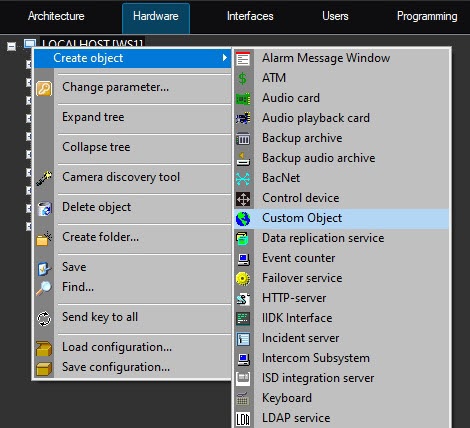
When dbi, ddi and XML files are ready objects of a new type along with standard objects can be created in Axxon PSIM hardware tree.
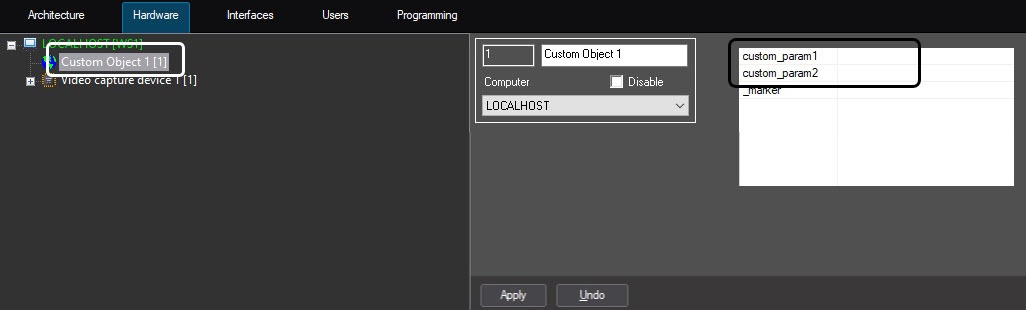
User parameters are displayed on the settings panel of the created virtual object – custom_param1 and custom_param2 in this example. Their values can be set in the table.
Showing on the map
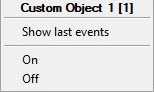
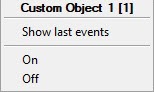
When an object is created in the hardware tree it can be placed on the map and set reactions can be executed in the object context menu (see Configuring the interactive map for object state indication and controlling the objects).
Using in macros
...
Solution. As state transition rules are set, when ON event is sent from the virtual object the state will be automatically changed to ON and the icon specified in ddi file (see ddi file preparation) to this state will be shown on the map. A script for sending ON event looks like this:
| Code Block | |
|---|---|
| |
| |
if (Event.SourceType == "MACRO" && Event.SourceId == "1" && Event.Action == "RUN")

{

 var msgevent = CreateMsg();

 msgevent.SourceType = "CUSTOM";

 msgevent.SourceId = "1";

 msgevent.Action = "ON";

 NotifyEvent(msgevent);

} |
...
Overview
Content Tools