
Go to documentation repository
...
The Monitor contains video tiles and the toolbar, which includes the following elements:
 buttons buttons allow switching the number of video tiles displayed in the Monitor.
 button allows controlling Monitor layouts.
 buttons allow to switch between video tiles.
 field displays current date and time.
...
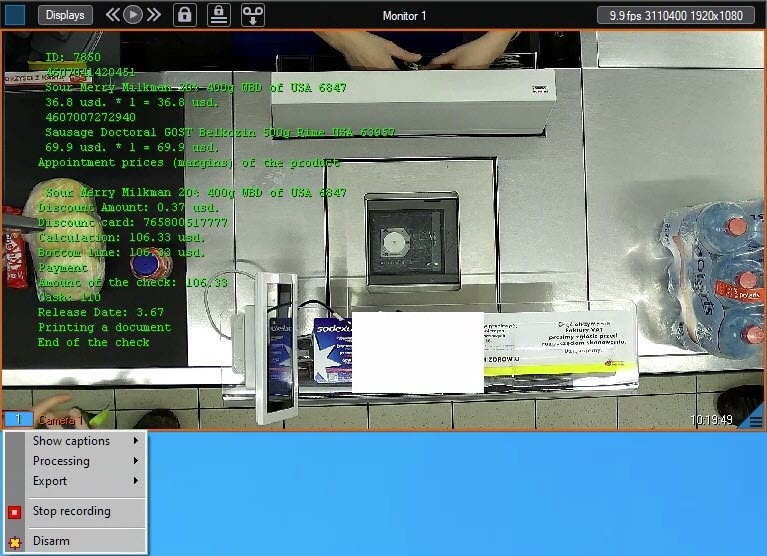
When one of the Debug 1, 2, 3, modes is enabled, current video characteristics (FPS, Bitrate, Resolution) are displayed in the field  . If the Debug mode is disabled, current date and time are displayed in the field
  .
.
To open the menu, click the camera number in the lower left corner of the video tile.

The table describes the keyboard shortcuts available for the Monitor and video tiles.
...

