
Go to documentation repository


Page History
...
- Go to the CONFIGURATION tab.
- Hover the mouse cursor over the
 button and click the N+M button.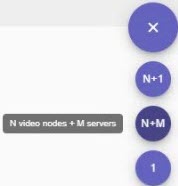
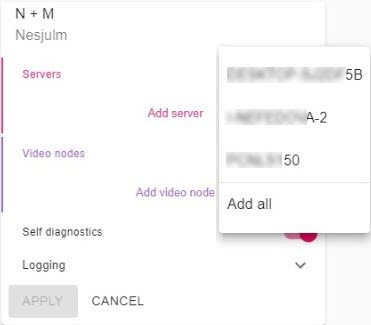
- Add Servers to the configuration.
- Click
 .
. - Select a specific Server, or add all Servers at once.
- Click
- Create nodes:
- Click
 .
. Enter the node name and click the PROCEED button.
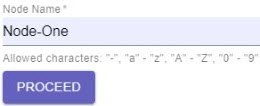
Note title Attention! A node name may contain Latin and numerical characters, and the "-" symbol.
Create the required number of nodes.
Note title Attention! The number of nodes should be less than the number of Servers.
- Click
By default, the self-diagnostics service is running on all nodes (see Self-diagnostics service). To stop it, de-activate the Self diagnostics parameter (1).
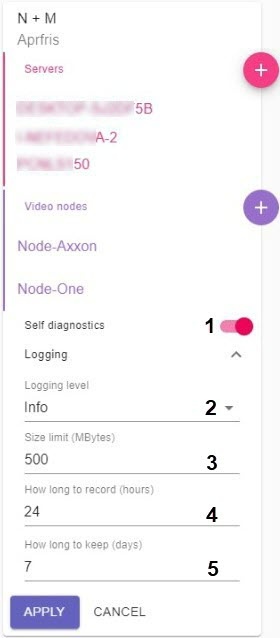
- Click the Logging button to set the logging options:
- Select Logging level (2, see Configuring Logging levels).
- Set the settings for the archive of logs (3-5, see Configuring a Log archive).
- Click the APPLY button.
The configuration is now created, and the nodes are now automatically started. - Merge all nodes into a single domain (see Connecting to a Node and Configuring of an Axxon domain).
- Set up the archive of the Failover system.
In a Failover system, we recommend you to physically locate the archive on a separate NAS remote storage that all servers in the cluster have access to.
For each node, create a separate archive in the remote storage (see Creating a remote archive).
...
Overview
Content Tools