
Go to documentation repository


Page History
...
When an alarm triggers, the alarm panel appears on top (like in the Client, see Alert panel).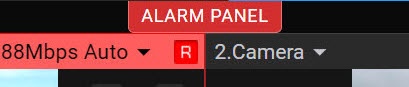
| Info | ||
|---|---|---|
| ||
The browser tab will indicate the number of current alarms in the Web-Client.
|

Click the ALARM PANEL button to open the panel.
The panel will display the alarm thumbnails with the name of the camera in which the alarm occurred, the initiator of the alarm and the time of the alarm.
...
You can change the size of the alarm panel in the Web-Client. To do this, hover the mouse cursor over the panel and expand it with the cursor.
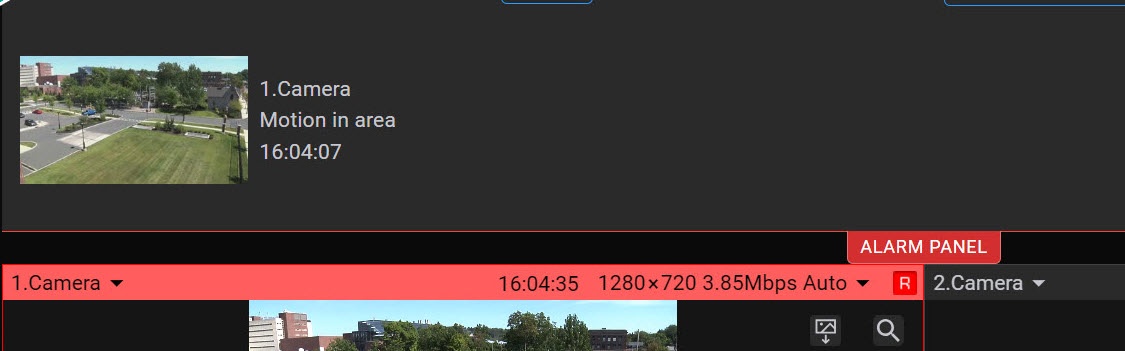
Alarm processing in the Web-Client
In the Web-Client, it is possible to manage and take into processing the active alarms of the entire Axxon-domain.
...
Overview
Content Tools