
Go to documentation repository


Page History
...
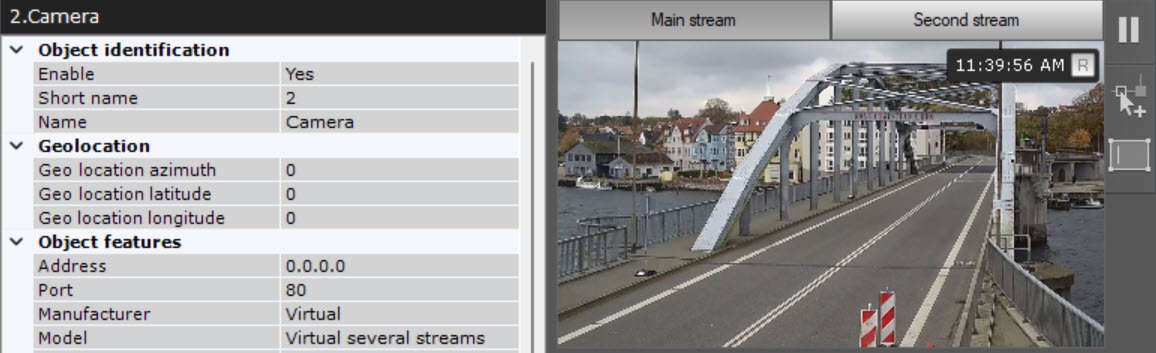
Image from the camera will be displayed in the preview window.
| Info | ||
|---|---|---|
| ||
The indicator in the upper right corner displays the current time and recording status (see Time Display). |
To switch between streams in the preview window, click the High-quality video stream and Low-quality video stream Main stream and Second stream tabs.
| Info | ||
|---|---|---|
| ||
When a stream is selected in the preview window, the settings for the relevant stream are displayed. The settings for the other stream are hidden. |
...
Overview
Content Tools