
Go to documentation repository


Page History
...
To start a repair installation, launch the Axxon One software without removing the previous current installed version of the program.
| Info | ||
|---|---|---|
| ||
To ensure that Axxon One is re-installed correctly, all related applications should be closed before starting the repair installation. |
...
- Open the Axxon One distribution package.

- Run the setup file.
- Click Next on the setup wizard's welcome screen.
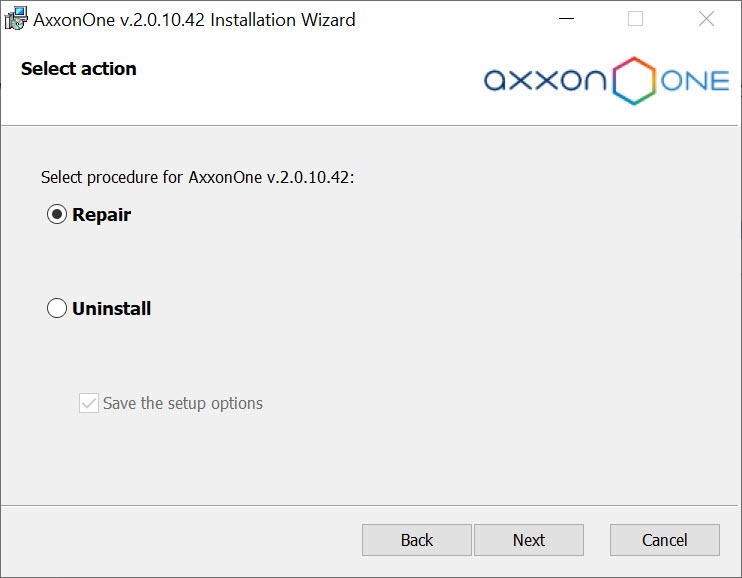
- A dialog box will appear, allowing you to choose an operation.
- Select the Repair option and click Next.
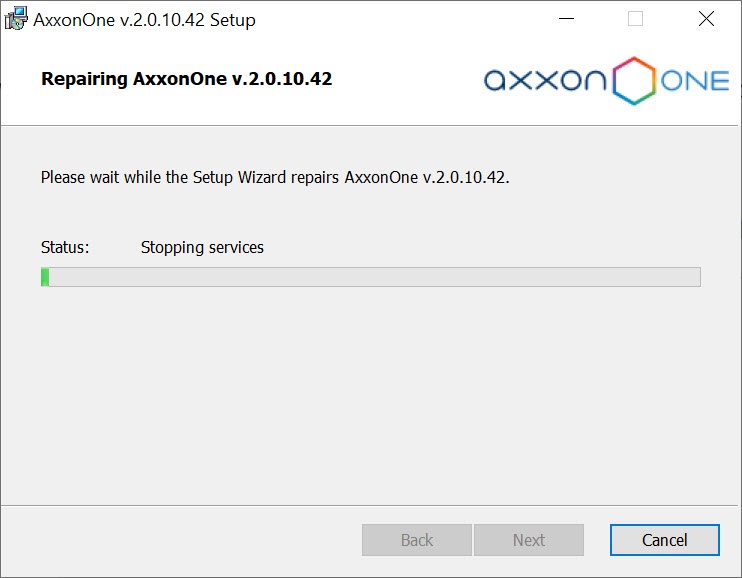
A dialog box will appear, showing the Axxon One repair process. 
A dialog box will appear, indicating the completion of the repair process. Click Finish. Repair of Axxon One is now complete.
Overview
Content Tools