
Go to documentation repository


Page History
...
When you have added a camera via the IP Device Discovery Wizard (see Adding Searching, adding, configuring and removing IP devices), you can edit the camera's parameters. The camera parameters are grouped as follows.
...
| Info | ||
|---|---|---|
| ||
You cannot edit these parameters if you added the camera in the Keep current settings mode (i.e. with the parameters that were set in the web interface, see Adding Searching, adding, configuring and removing IP devices). To be able to configure these parameters, you need to set the Send settings to device checkbox. Once you set a checkbox for a video camera, the checkbox is also set on all its channels and child objects. |
...
The preview window displays the video image from this camera.
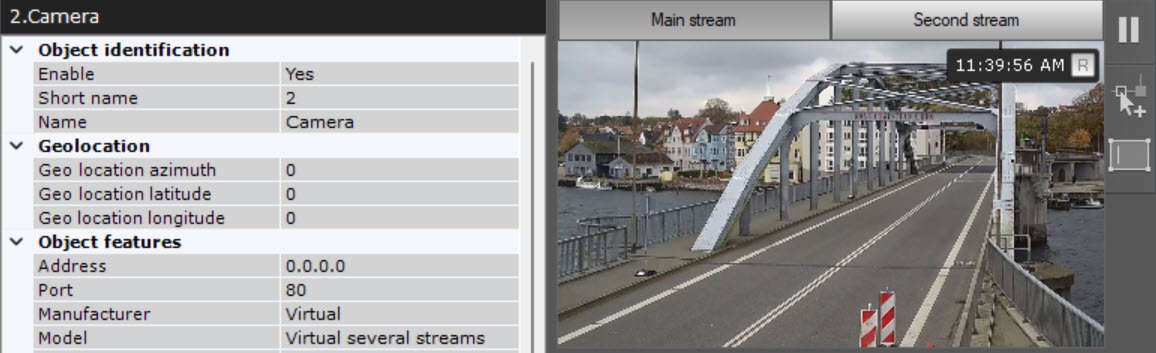
If the camera supports simultaneous transmission of several video streamsmultistreaming, then the Main stream, Second stream and other tabs will be available in the window, depending on the number of added video streams (see Configuring video stream settings).
...
Overview
Content Tools