
Go to documentation repository


Page History
...
- Go to the required layout.
- Click the
 button button and select Use by default.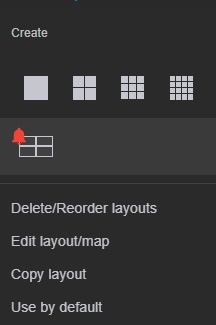
After that, the layout icon will look like this:

To remove the default layout, click the button and select Do not use by default.
Overview
Content Tools