
Go to documentation repository


Page History
...
You can configure a videowall on the corresponding panel (see Videowall Panel).
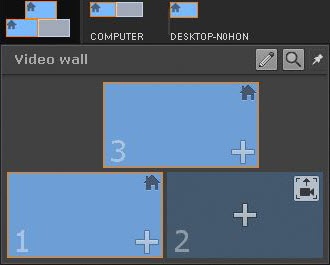
To configure a videowall, do the following:
- Click the
 button.
 - Click the
 button. The list of available Clients will be displayed. Left-click a Client to display its available active monitors.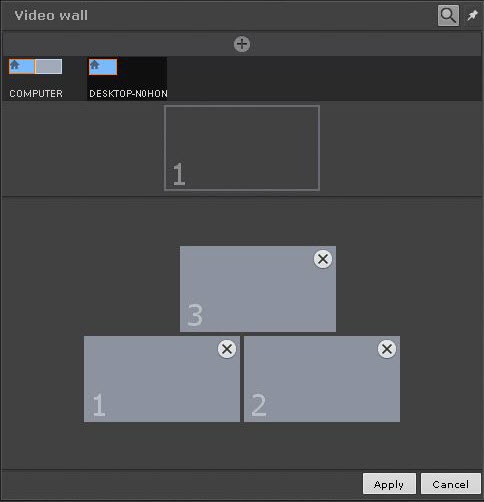
Drag and drop monitor icons according to their physical locations on the videowall.

Info title Note An ID number is assigned to each monitor added to the videowall. To display the ID number of a monitor, click the
 button.
- Click the Apply button.
...
Overview
Content Tools