
Go to documentation repository


Page History
...
To connect the Axxon One domain to AxxonNet, do the following:you must:
- Have access to the internet.
- Open ports 80 and 443.
- Allow access of incoming and outgoing traffic to the https://axxonnet.com/ website if the Server has limited internet access.
- Log in to AxxonNet https://axxonnet.com/ (see Registration, authorization, password recovery and change in AxxonNet).
- Click the
 button in the upper right corner on the Domains tab and copy the token to bind to the Axxon One domain.
- In Axxon One, select Settings → Options → AxxonNet.
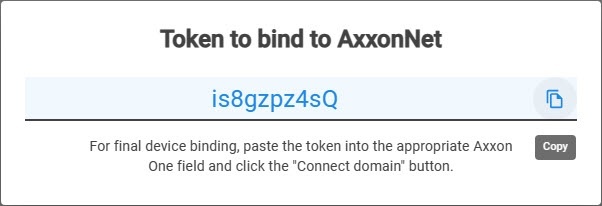
- Paste the copied key to bind to AxxonNet into the Token field.
- Enter the Cloud URL to which you want to connect.
- If you connect through a proxy-server:
- From the drop-down list, select the Proxy-server type:
- None
- Http
- Https
- Socks5
- Enter the IP address of the cloud service to which you want to connect.
- Enter the Username and Password to connect to the proxy-server.
- From the drop-down list, select the Proxy-server type:
- Click the Connect domain button.
...
Overview
Content Tools