
Go to documentation repository


Page History
This utility verifies the digital signature The Watermark checker utility is used to verify a watermark that is added during the export of video videos and snapshots from frames from Axxon One.
To start the utility, open the standard verify a watermark, do the following:
- Start the Watermark checker utility from the Start menu in Windows OS: Start
...
- → Programs
...
- → Axxon One
...
- → Utilities
...
- → Watermark checker.
Info title Note The
...
WatermarkCheck.exe executable file is
...
located in the
...
<Axxon One installation folder>\AxxonSoft\Axxon One\bin\ folder.
...
- As a
...
- result, the Watermark checker window opens:
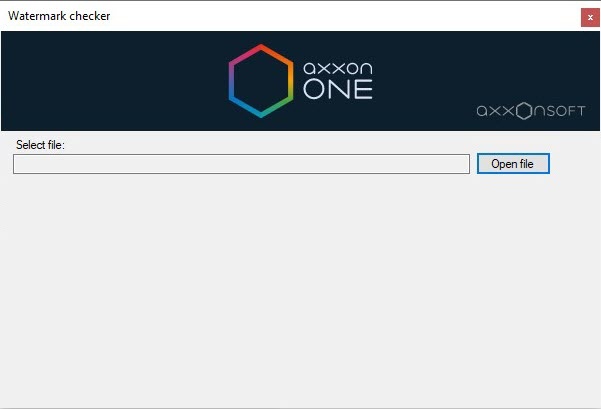
- Click the Open file button
...
- .
- In the
...
- Select file field, enter the full path to the exported
...
- frame or video.
...
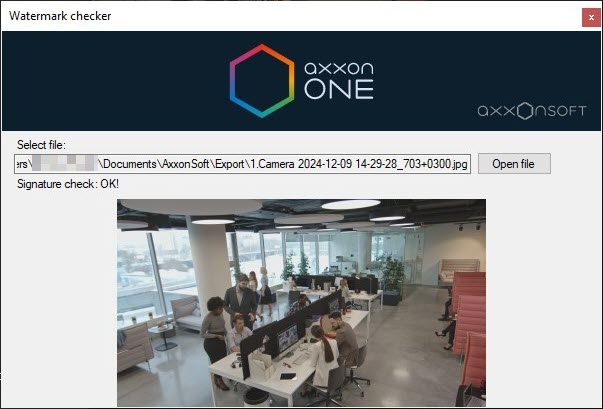
Info title Note During verification of a watermark on a frame or video, the thumbnail is displayed in the Watermark checker utility window. You cannot preview a frame or video during the verification process.
- If the
...
- watermark is valid, the utility
...
- displays the message: Signature check: OK!
- displays the message: Signature check: OK!
...
- If
...
- the watermark isn't valid, the utility
...
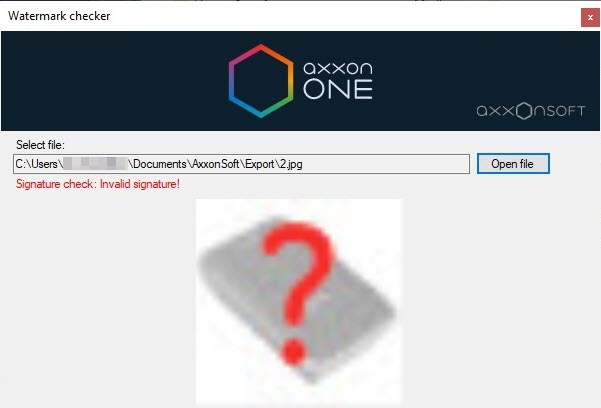
- displays the message: Signature check: Invalid signature!
- displays the message: Signature check: Invalid signature!
| Info | ||
|---|---|---|
| ||
During verification of a digital signature, the thumbnail of a snapshot is shown in the utility window. Videos cannot be previewed during the verification process. |
Digital signature verification is now complete.
...
- To exit the Watermark checker utility, click the
 button.
Watermark verification is complete.
Overview
Content Tools