
Go to documentation repository


Page History
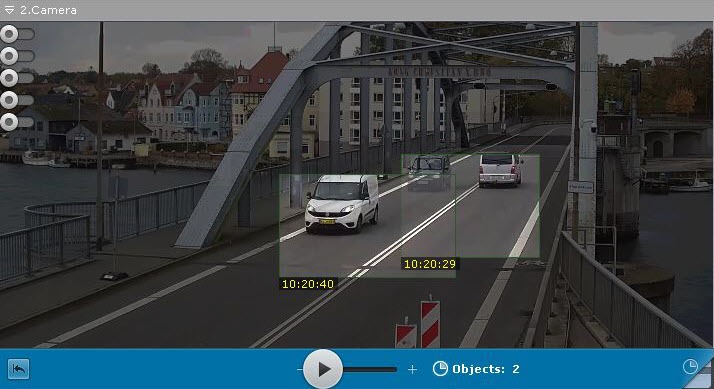
To use switch to the TimeCompressor mode, complete do the following steps:
You can set specify the time span for viewing video archive in the TimeCompressor mode on the timeline in one of the following ways:
Set the pointer to the start position. In that case you view the whole archive position from which (and to the end of it ) the archive will be viewed (see the section titled Navigating Using using the Timeline).
Select Right-click to select the time span with the right-click.

Info title Note The TimeCompressor mode allows you to view the results of a specific archive search (see Viewing Search Results In TimeCompressorsearch results in the TimeCompressor mode).
Click the
 button on the advanced archive navigation panel.
The archive will now start playing in is played back in the compressed mode.
| Info | ||
|---|---|---|
| ||
| ||
| Info | ||
| title | Note
|

Overview
Content Tools