
Go to documentation repository


Page History
...
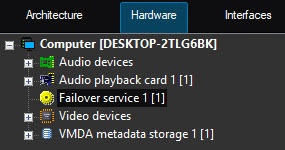
The Failover mode is configured using the Failover service objects created on the basis of the Computer objects corresponding to backup servers in the Hardware tab of the System settings dialog box.

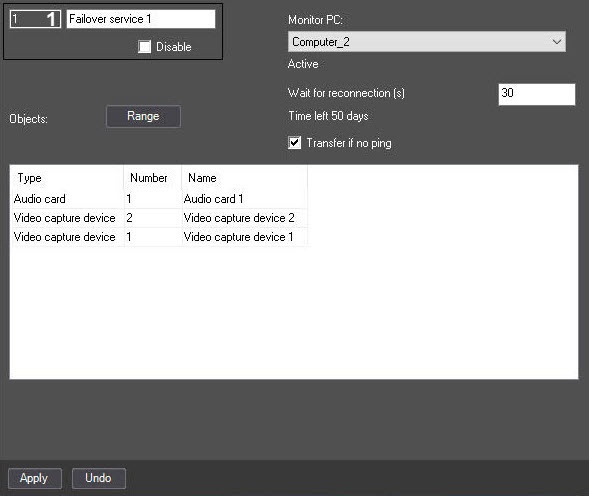
If the quantity of cameras is bound to specific Servers in the security key, then the license becomes invalid when cameras are moved to the backup Server. In this case the system gives 50 days to restore the failed Server in order to move the cameras back and the license to become valid again. Otherwise, Axxon PSIM will unload on the backup Server because the hardware limit is exceeded (see Specifics of the Axxon PSIM operation when the object limit is exceeded). The time (in days) remaining for restoring the main Server is displayed on the settings panel of the Failover service object:
Limitation on the number of simultaneously running Failover services
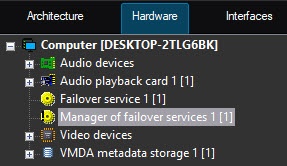
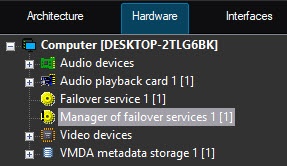
The number of failover services running on each computer simultaneously can be limited. The Manager of failover services object is used for this. It is created on the basis of the Computer object that is not the Client (see Role-assignment in distributed system).
If the number of failed Servers exceeds the specified limit, the configuration from the new failed Servers will be transferred to the corresponding backup Server as the previously failed Servers become operational.
...
Overview
Content Tools