


Page History
...
To control a camera on the map, select its icon, and the context menu will open:

do the following:
- Select a camera icon. As a result, an image from camera and the Actions button appear.
- Select the Actions button. All available actions are then displayed.
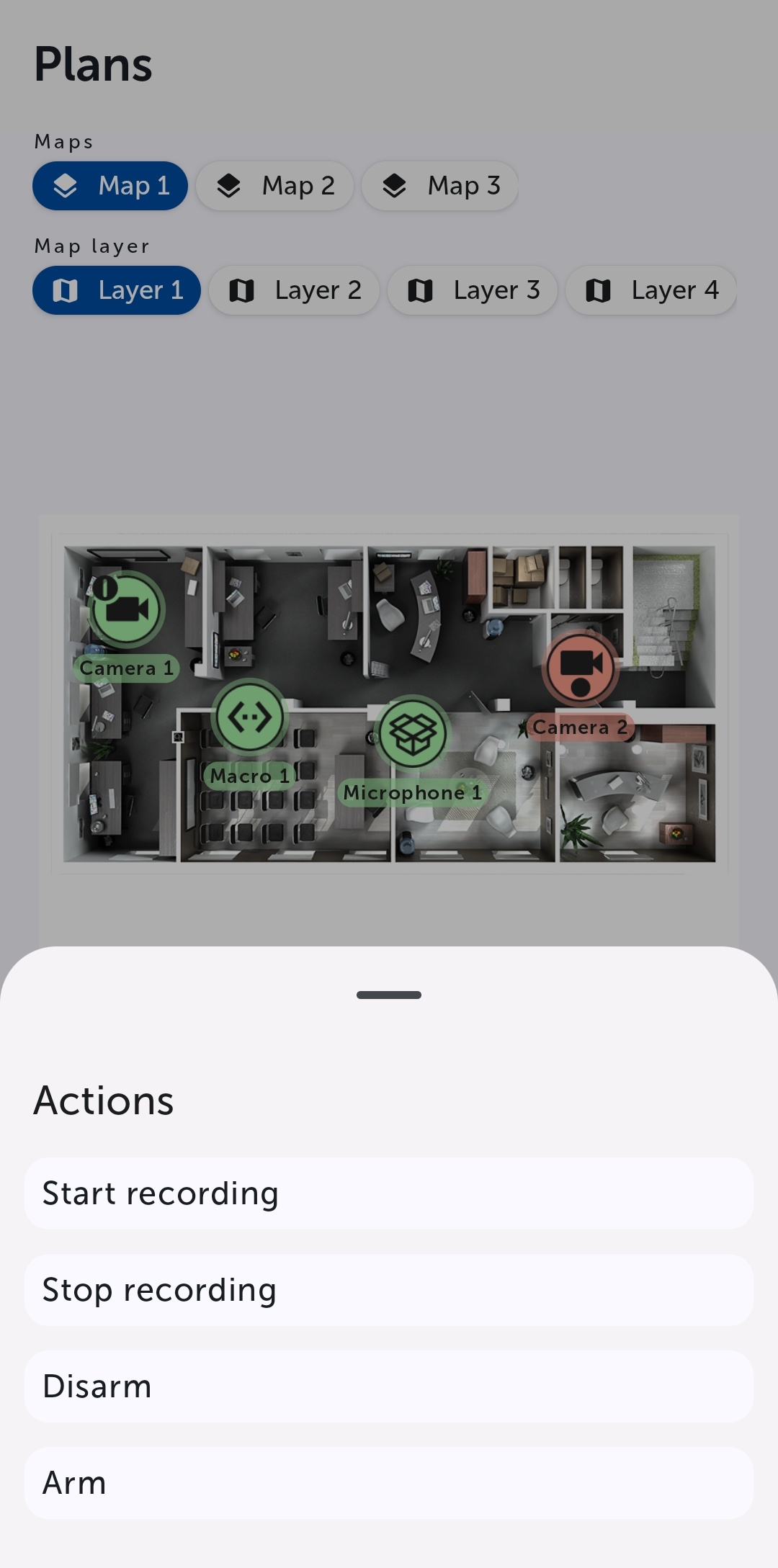
Select a command to perform a required action (see see Operations with cameras).
Overview
Content Tools