
Go to documentation repository


Page History
| Tip |
|---|
General information about server archives |
| Note | ||
|---|---|---|
| ||
We don't recommend you to set a cloud archive lifecycle policy, as this can lead to a complete loss of the archive. |
To create a cloud archive, do the following:
- Go to the Archive tab.
- In the branch of the Server object, click the Create link.
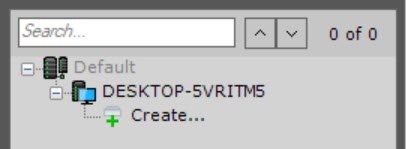
- Select the Cloud archive type.

- Select an archive from the suggested solutions.
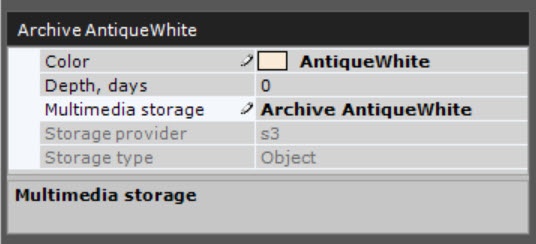
- Specify general parameters:
- In the Color field, select the color of an archive.
- In the Depth, days field, specify the maximum depth of an archive in days. If you specify the 0 value, the entire archive is available for viewing.
- In the Multimedia storage field, specify the name of an archive.
- In the Partitions information section, click the + button.
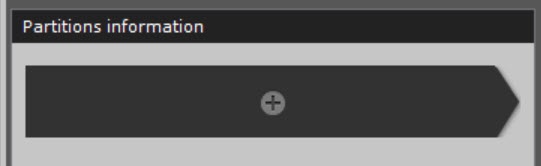
- Configure the fields of an archive volume depending on the selected solution.
Info title Note Specifics of configuring fields of an archive volume for different solutions are given on the corresponding pages:
- Configuring an archive volume based on the Microsoft Azure solution
- Configuring an archive volume based on the Amazon solution
- Configuring an archive volume based on the Seagate Lyve Cloud solution
- Configuring an archive volume based on the Wasabi solution
- Configuring an archive volume based on the MinIO solution
- Click the Apply
 button.
As a result, a cloud archive and a volume are created based on the selected solution.
Overview
Content Tools