
Go to documentation repository


Page History
Create one Manager of failover services object on each backup Serverserver. Managers of failover services are not transferred from one backup Server to another.aren't transferred to the backup servers.
To limit Limit the number of failovers failover services running simultaneously as follows, do the following:
- Go to the settings panel of the Manager of failover services object.
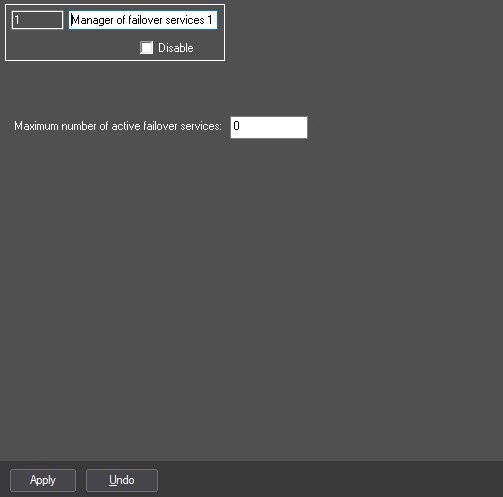
- In the Maximum number of active failover services field, specify the maximum number of dead servers – when this limit is reached the configuration transferring is to be stopped failed servers, upon reaching which you must stop transferring the configuration until one of the failovers becomes vacant (1)already occupied failover services becomes available.
- Click the Apply button (2).
Limit to Limiting the number of failovers failover services running simultaneously is now setcomplete.
Overview
Content Tools