
Go to documentation repository


Page History
...
The settings panel of the Script system object is shown in the figure below:

| Note | ||
|---|---|---|
| ||
Creating of large number of the Script objects (more than 100) can cause system instability. |
...
| Info | ||
|---|---|---|
| ||
Recording on Camera 1 must be started when controlling the PTZ camera in the Video surveillance monitor. For this, configure the Script object as follows:
|
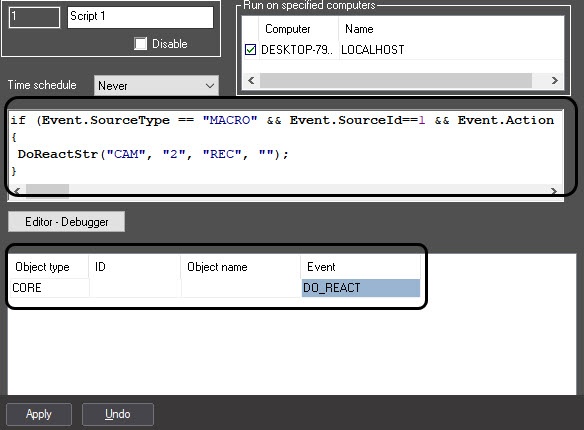

The filter can be set by the UPDATE_OBJECT event of the CORE object. Example of the command to add the Camera object with identifier 1 to the filter of the Script object with identifier 2:
...
Overview
Content Tools