
Go to documentation repository


Page History
...
For example, if a camera is out of order on an object, the indicator button corresponding to the Cameras alarm group becomes red.
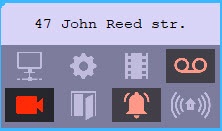
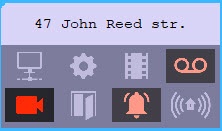
To get the detailed information about an alarm, you must click the corresponding icon. The Reaction to alarm window opens. The title of the window contains the selected object's name and its ID.
...
Overview
Content Tools