
Go to documentation repository


Page History
To remove Axxon PSIM software, installed as a Service, do the following:
- Open the folder containing the unpacked installation kit.
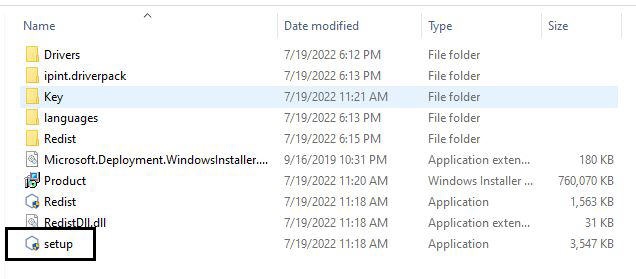
- Run the setup.exe file.
As a result the Select Action dialog box is displayed.
When Axxon PSIM works it will be automatically logged The window for selecting the type of action opens.
If Axxon PSIM is running, it automatically logs off.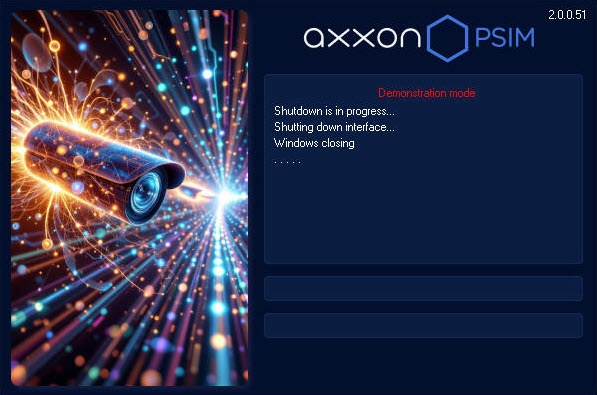
- Follow steps 2-5 of the instruction manual in section Removing Axxon PSIM™ software Removal of Axxon PSIM from the Start menu.
At this stage the deletion process Removal of Axxon PSIM software installed as a Service is overcomplete.
Overview
Content Tools