


Page History
...
To authorize in Axxon Datacenter, you must register. On the home page of Axxon Datacenter, enter your Username or email and Password, and click the Sign in button.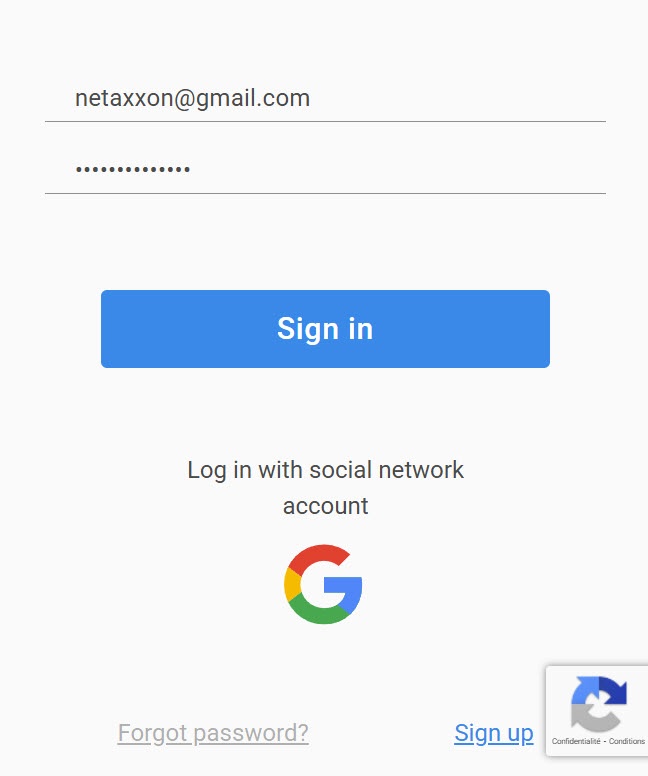
...
Password change
To change your password:
- Register and sign in to Axxon Datacenter.
- On the Domains tab in the upper right corner, click the
 button.
 - In the window that opens, click the
 button.
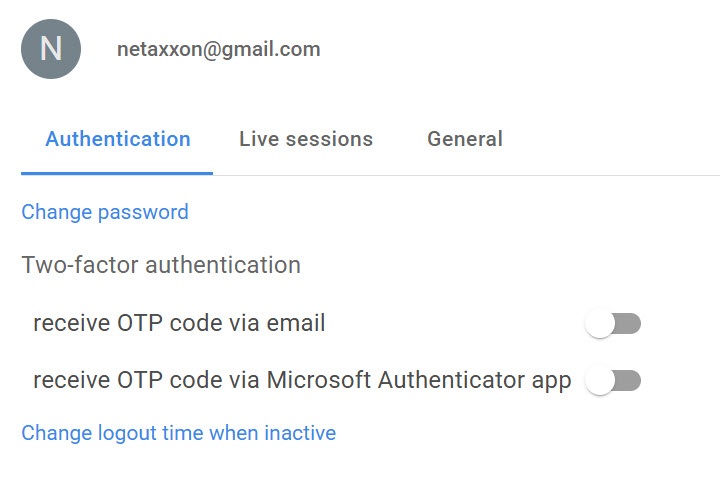
- In the window that opens, click the Change password link.
Enter Current password, and New password twice.
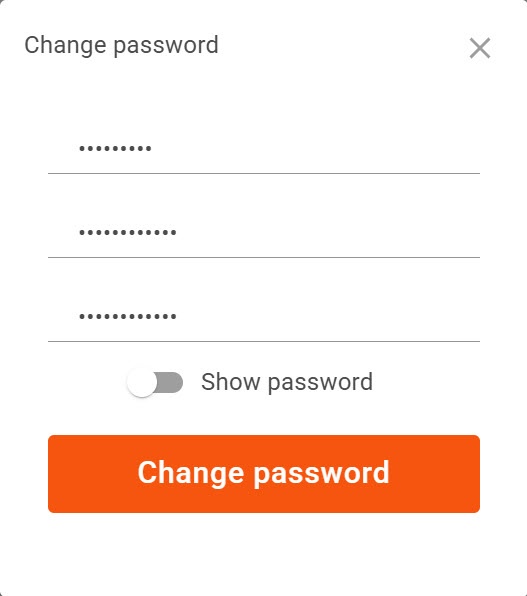
- Click the Change password button.
Info title Note - If you enter your current password incorrectly, the warning message Current password is incorrect is displayed.
- If you enter your current password correctly and your new password twice, the message Password has been updated is displayed.
...
Overview
Content Tools