


Page History
...
To change your password:
- Register and sign in to in to Axxon Datacenter.
- On the Domains tab in the upper right corner, click the
 button.
 - In the window that opens, click the
 button.
- In the window that opens, click the Change password link.
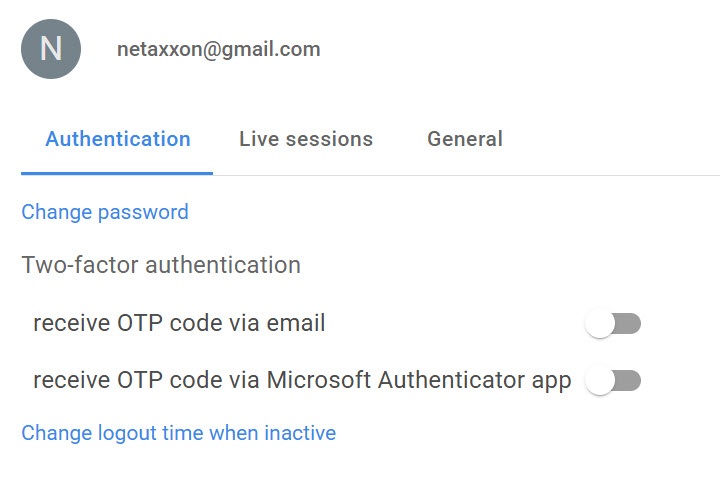
Enter Current password, and New password twice.
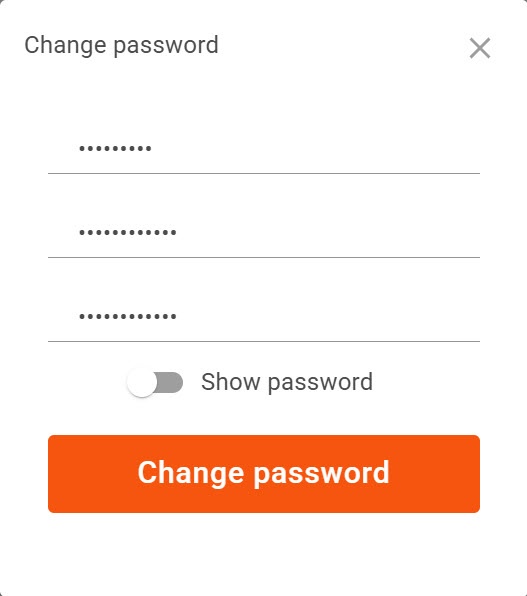
- Click the Change password button.
Info title Note - If you enter your current password incorrectly, the warning message Current password is incorrect is displayed.
- If you enter your current password correctly and your new password twice, the message Password has been updated is displayed.
...
Overview
Content Tools