
Go to documentation repository
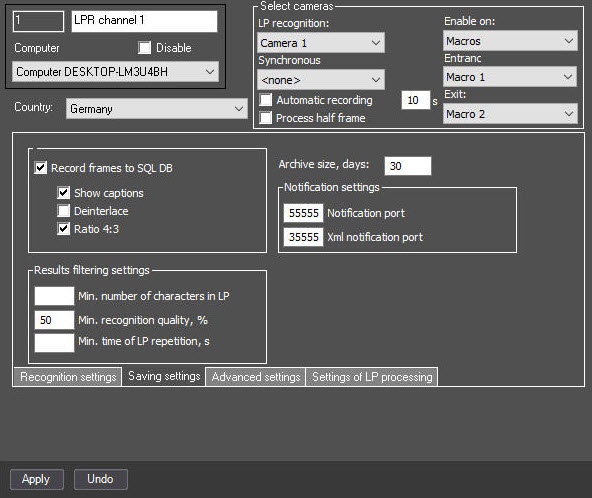
In Auto PSIM, you can set up ports for notification and xml notification about license plate recognition of the LPR channel.
To set up ports for notification, do the following:
| Info | ||
|---|---|---|
| ||
To enable the mode of evenly distributing the load, specify the IsProcessObject=1 parameter of the HKEY_LOCAL_MACHINE\SOFTWARE\Wow6432Node\AxxonSoft\Axxon PSIM\URMLPR registry key, then each recognition channel is started in a separate process. In this case, you must specify notification port and xml notification port for each recognition channel. |
Setting up ports for notification and xml notification is complete.

