
Go to documentation repository


Page History
If the Backup backup archive operates together with the Failover failover service, their cooperation is to must be configured (see see Configuring archive synchronization of main and backup Servers).
Cooperation of these modules is enabled as follows:
- Go to the Backup archive settings panel.
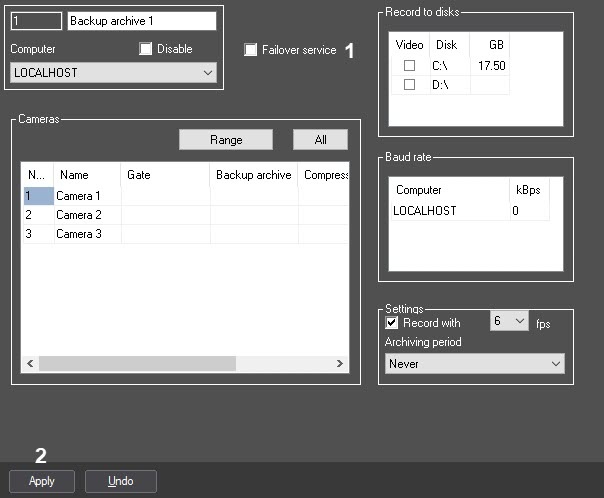
- Set the Failover service checkbox checked (1). The Record to disks table becomes unavailable for editing, and when the archive is requested from the main server, the Backup backup archive will be transferred from the disks specified on the settings panel of the Computer object under on the basis of which the Backup archive object is created.
- Click the Apply button (2).
Cooperation of between the Backup backup archive and the Failover failover service is now enabled.
Overview
Content Tools