

Page History
| Section | |||||||||||||||||||||
|---|---|---|---|---|---|---|---|---|---|---|---|---|---|---|---|---|---|---|---|---|---|
|
Update procedure
The offline version of the platform calculator can be updated if necessary. Both calculation data and executive part are updated.
...
Updating the offline version of the platform calculator is completed.
Possible errors when updating and their solution
When updating the offline version of the platform calculator, a Java error may occur reading:
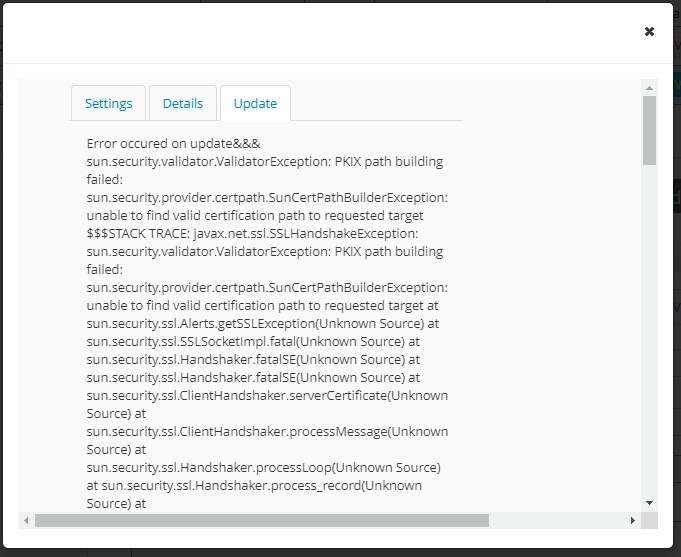
In this case, proceed as follows:
- Delete all installed Java versions from the system (for this, go to Start - Control Panel - Programs and Features).
- Run offline version of the AxxonSoft Platform Calculator (see Downloading and starting offline version).
- Install the proposed Java version.
Overview
Content Tools